
ASUS RT-AX1800S
4.3Editor score
WiFi 6 support
AiProtection Classic security
Gaming and streaming
This guide compares the top ASUS WiFi Routers for home and business, evaluating performance, security, mesh capabilities, and gaming features.
ASUS WiFi Routers offer advanced technology for modern homes and businesses. They provide high-speed connections, robust security, and flexible networking options to meet diverse needs.
We evaluated ten models based on speed, coverage, security features, and ease of use. Each product was selected for its reliability and performance in real-world scenarios.
Each pick highlights key strengths and ideal use cases for different users. Prices and availability may change, so verify details before purchasing your next router.
4.3Editor score

4.5Editor score
4.3Editor score
This comparison table highlights key specifications for each ASUS WiFi Router to help you find the right model for your network requirements.
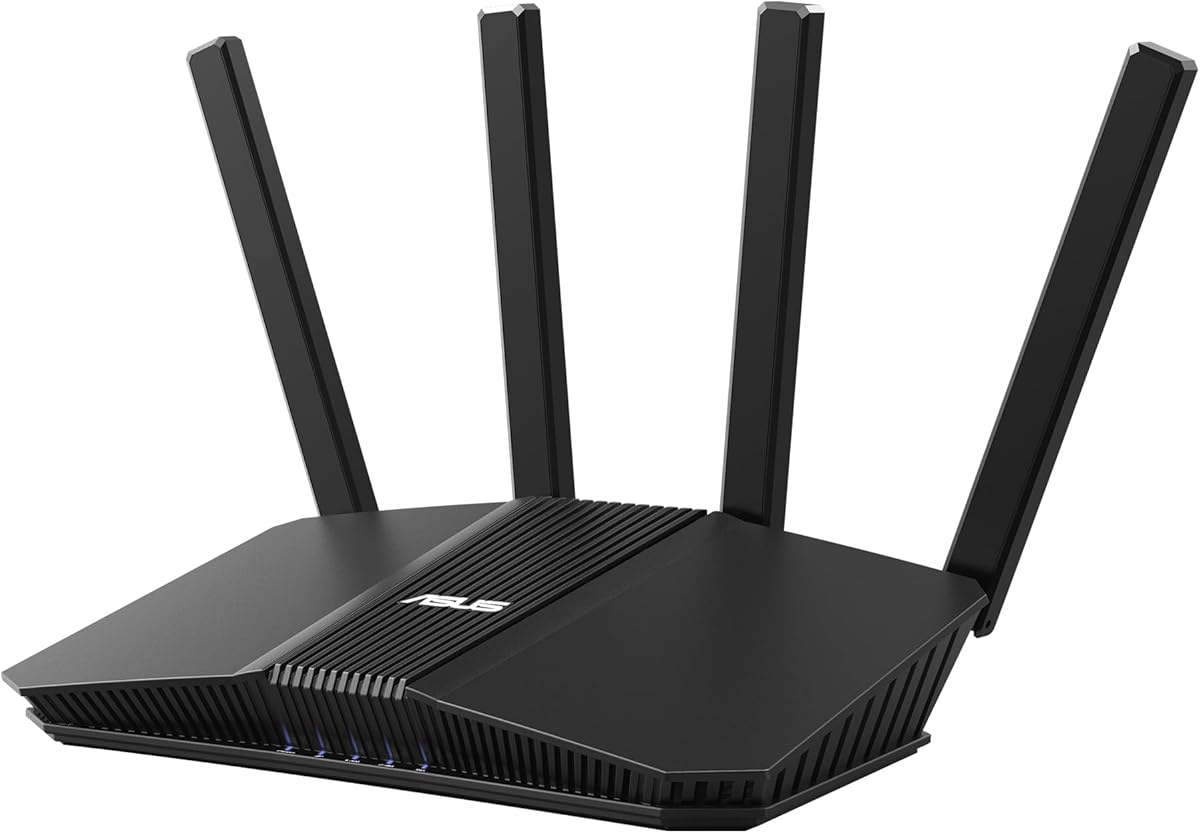



The ASUS RT-AX1800S is a solid entry-level WiFi 6 router designed for small to medium homes. With a 4.3 rating, it offers reliable performance and essential modern networking features without overwhelming complexity.
We may earn a commission when you buy through this link, at no additional cost to you.
This router supports MU-MIMO and OFDMA for efficient data handling across multiple devices. It includes AiProtection Classic for network security and offers a one-click VPN for secure remote access via ASUS Instant Guard.
While it lacks advanced gaming tools or multiple WAN ports, its stability and ease of setup make it a practical choice for families. The included security suite ensures protection without ongoing subscription fees.
Home users needing reliable internet with good security at a fair price should consider this model. It balances performance and cost effectively for everyday use.
OFDMA and MU-MIMO improve throughput when many devices connect at once.
AiProtection Classic provides commercial-grade protection without extra costs.
We may earn a commission when you buy through this link, at no additional cost to you.
The RT-BE58U introduces WiFi 7 technology to the ASUS lineup with speeds up to 3.6 Gbps. Its 4.0 rating reflects strong performance in early adopters seeking future-proof connectivity.
We may earn a commission when you buy through this link, at no additional cost to you.
Multi-link operation allows simultaneous band usage for smoother connections. Smart Home Master helps manage IoT devices and parental controls efficiently. AiProtection Pro adds layered security with Safe Browsing.
While the cost is higher and port count is modest, the advanced features justify the investment for tech-forward households. Dual-WAN support ensures reliable internet even if one connection fails.
Users wanting cutting-edge speed and smart home integration will appreciate this router. It delivers robust performance for demanding networks.
WiFi 7 standards ensure long-term compatibility and faster data rates.
Three SSIDs simplify device segmentation and security.
We may earn a commission when you buy through this link, at no additional cost to you.
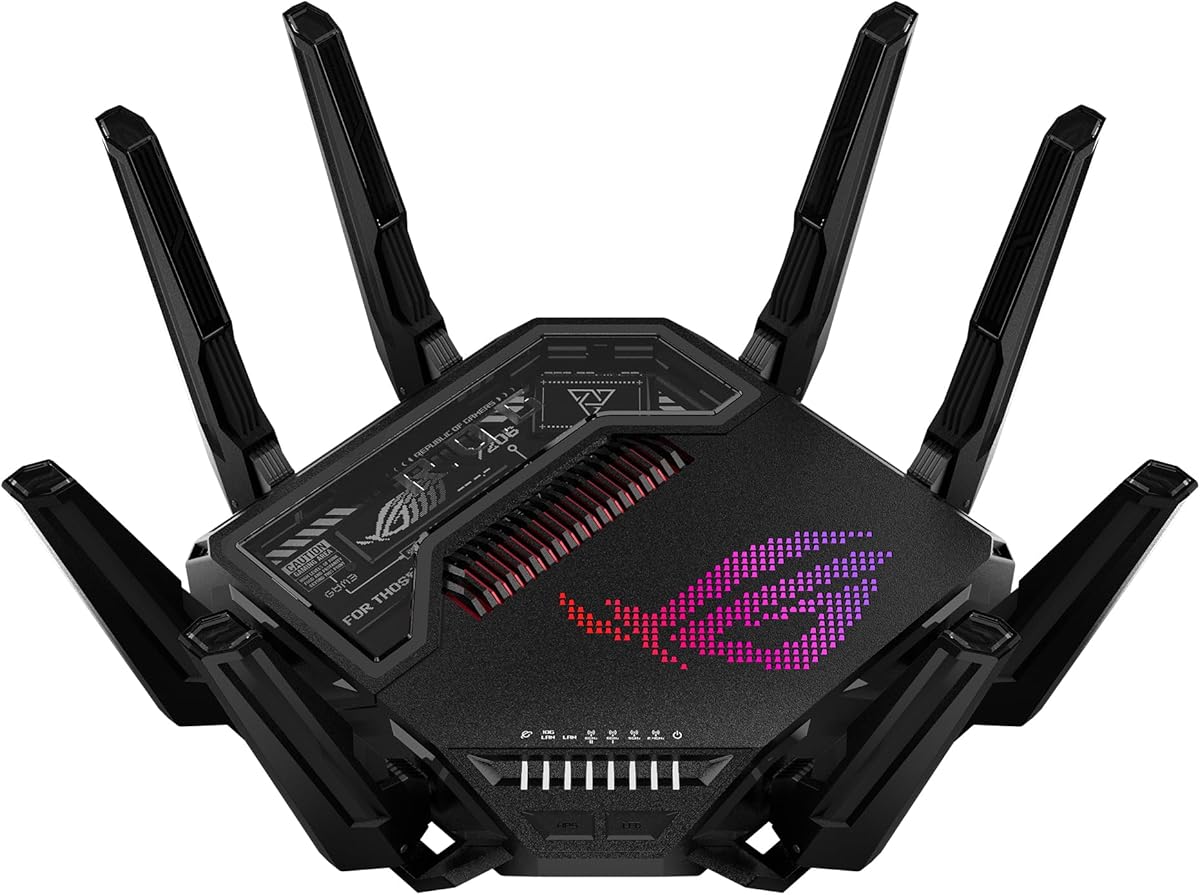
The GT-BE98 Pro sets a new standard for gaming routers with WiFi 7 quad-band support and 30Gbps speeds. Rated 4.3 by users, it delivers top-tier performance for power users.
We may earn a commission when you buy through this link, at no additional cost to you.
Multi-link operation and external antennas maximize signal strength. Triple-Level Game Acceleration optimizes PC traffic to reduce latency. Dual 10G ports and quad 2.5G ports support high-speed wired networks.
Its size and cost are significant, but for competitive gamers and large homes, the benefits outweigh drawbacks. The network capacity handles heavy loads without bottlenecks.
Enthusiasts needing maximum speed and customization will find this router ideal. It represents the pinnacle of ASUS gaming networking.
Triple-Level Acceleration prioritizes traffic to gaming servers.
Multiple high-speed ports support NAS and desktop connections.
We may earn a commission when you buy through this link, at no additional cost to you.
The RT-BE92U offers tri-band WiFi 7 performance with speeds up to 9.7 Gbps. With a 4.0 rating, it appeals to users needing robust throughput without extreme costs.
We may earn a commission when you buy through this link, at no additional cost to you.
320MHz channels and Multi-link operation ensure stable connections. Dual WAN options allow flexible internet setups. Smart Home Master simplifies IoT management with three SSIDs.
While setup requires some technical knowledge, the features suit growing smart homes. The inclusion of AiProtection Pro adds trusted security layers.
Households seeking balance between performance and cost should consider this model. It delivers strong speed and modern networking tools.
Tri-band design reduces congestion for connected devices.
Dual WAN ensures uptime during primary connection failures.
We may earn a commission when you buy through this link, at no additional cost to you.
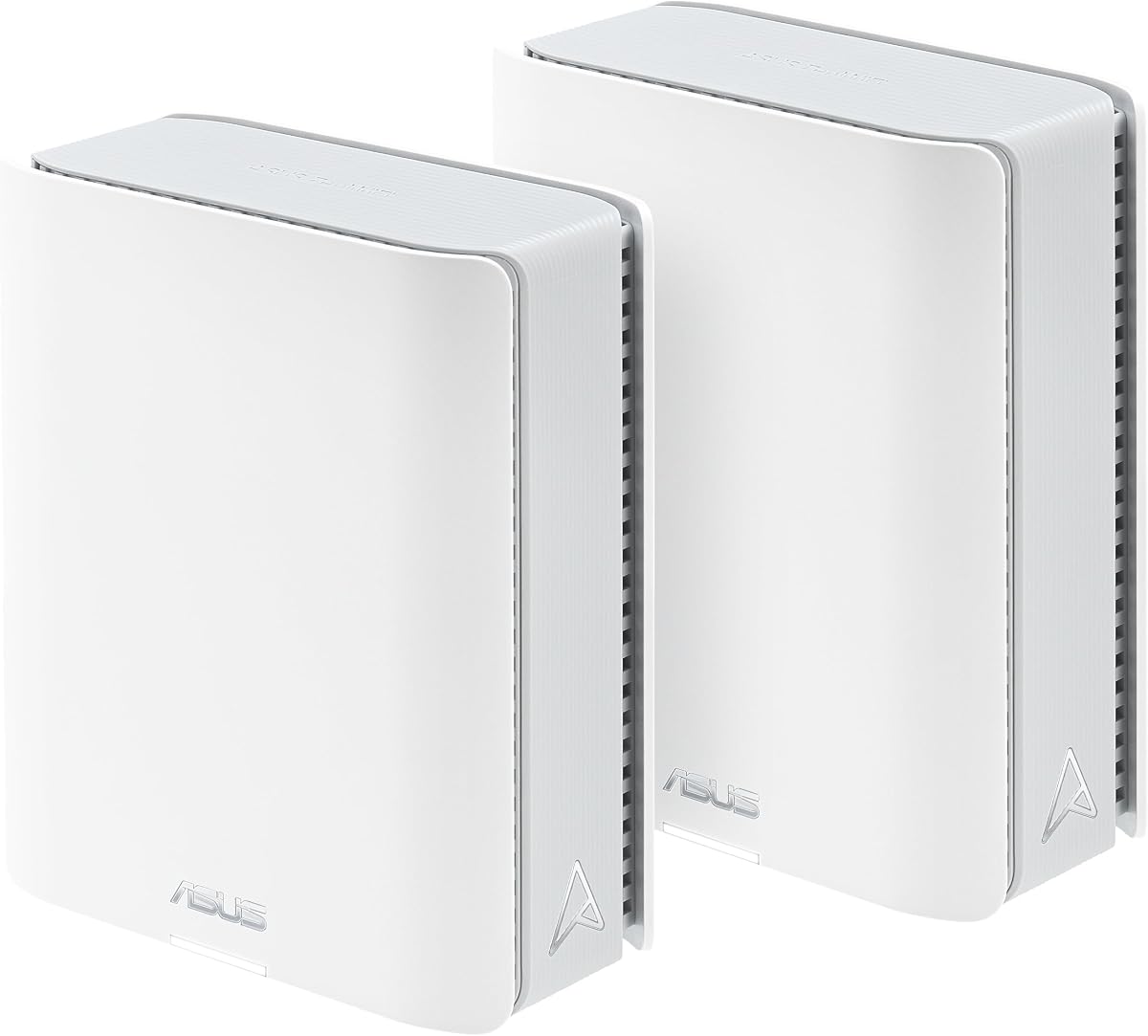
The ZenWiFi BT10 provides a 2-pack mesh system covering up to 6,000 sq ft with WiFi 7 tri-band speeds. Though rated 3.4, its specs target large estate networking needs.
We may earn a commission when you buy through this link, at no additional cost to you.
Internal antennas and heat dissipation maintain reliability. AiMesh powered by AI creates seamless whole-home networks. Dual 10G ports support high-speed backhaul and LAN.
While user feedback suggests potential firmware tweaks, the raw coverage and speed are unmatched. Smart Home Master adds management flexibility for complex setups.
Large property owners wanting unified WiFi and high-speed wired options should consider this. It delivers extensive reach and modern standards.
2-pack mesh eliminates dead zones in spacious layouts.
Dual 10G ports ensure robust inter-node data transfer.
We may earn a commission when you buy through this link, at no additional cost to you.
The RT-AX82U offers WiFi 6 gaming features with speeds up to 5400 Mbps. Rated 4.4, it appeals to gamers wanting performance without premium costs.
We may earn a commission when you buy through this link, at no additional cost to you.
Mobile Game Mode minimizes latency for phone gaming. Aura RGB lighting adds customization. AiMesh support allows seamless expansion. Lifetime AiProtection Pro secures connected devices.
As a renewed unit, it offers value. Setup is intuitive via web or app. The dedicated gaming port ensures traffic prioritization.
Gamers seeking affordable speed and style should consider this model. It balances features and cost effectively.
Game Mode reduces latency for mobile apps.
Aura RGB lights sync with network status.
We may earn a commission when you buy through this link, at no additional cost to you.
The ZenWiFi BT8 provides tri-band WiFi 7 performance in a compact design covering 3,000 sq ft. With a 4.0 rating, it suits medium homes needing modern mesh tech.
We may earn a commission when you buy through this link, at no additional cost to you.
AI-powered Smart AiMesh ensures seamless connectivity. Seven internal antennas eliminate dead zones. 24/7 protection with AiProtection Pro secures devices. Smart Home Master supports IoT management.
Setup is straightforward via the app. The speed and features suit most households, but adding more nodes helps expand reach. Cost is moderate for the performance.
Families wanting reliable mesh WiFi with easy controls will appreciate this. It delivers modern speed and smart features.
Smart AiMesh connects devices without manual switching.
AiProtection Pro protects against vulnerabilities.
We may earn a commission when you buy through this link, at no additional cost to you.
The RT-AX3000 delivers WiFi 6 performance with speeds up to 3000 Mbps. Its 4.5 rating highlights reliability and ease of use for general households.
We may earn a commission when you buy through this link, at no additional cost to you.
Adaptive QoS prioritizes traffic effectively. AiMesh support enables seamless whole-home networks. AiProtection Pro secures devices. USB 3.0 offers flexible sharing options.
It lacks gaming tools, but suits standard home use well. Setup is quick via web interface. Performance remains stable under load.
Users seeking a dependable router with good speed and security should consider this. It balances value and performance.
Adaptive QoS prioritizes streaming and gaming.
AiProtection Pro blocks threats automatically.
We may earn a commission when you buy through this link, at no additional cost to you.
The RT-AC68U remains a reliable choice with AC1900 speeds and strong legacy support. With a 4.5 rating, it suits users needing consistent performance on older devices.
We may earn a commission when you buy through this link, at no additional cost to you.
1GHz dual-core CPU enables multitasking. Five gigabit ports offer flexibility. AiProtection security keeps networks safe. Dual-band ensures compatibility and performance.
Though lacking WiFi 6, it serves many households well. Setup is simple via web or app. Performance is stable over time.
Users with existing devices needing reliable connectivity will appreciate this. It offers solid value and longevity.
Five LAN ports reduce need for extra switches.
AC standard supports most existing devices.
We may earn a commission when you buy through this link, at no additional cost to you.
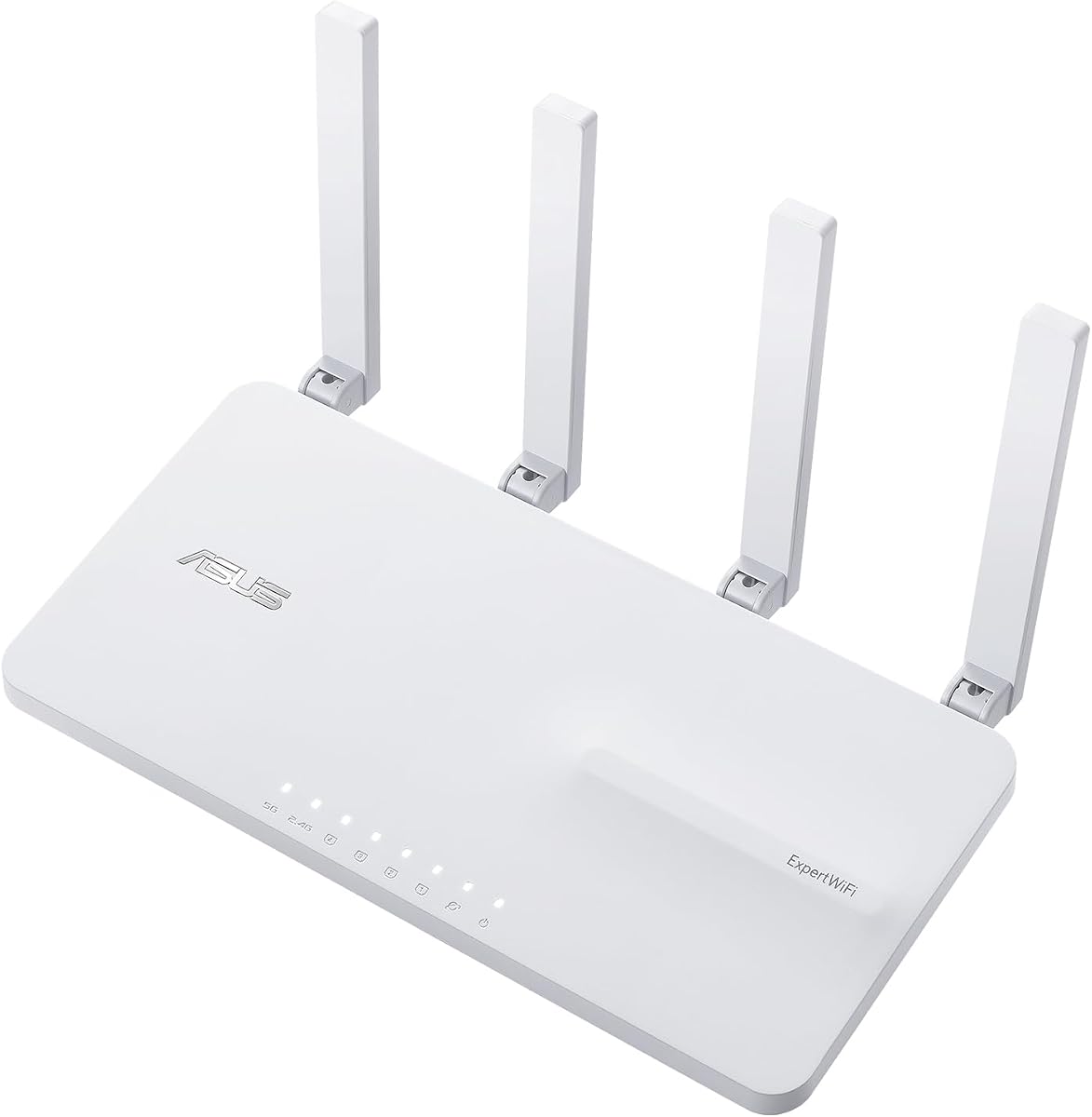
The ExpertWiFi EBR63 is designed for small businesses with commercial-grade features. Rated 4.2, it offers robust connectivity and security for professional environments.
We may earn a commission when you buy through this link, at no additional cost to you.
Five SSIDs separate guest and internal traffic. Custom guest portals enhance branding. VPN and VLAN support secure access. Backup WAN ensures stable internet.
While specialized, it suits office needs well. ExpertWiFi app simplifies setup. AiProtection Pro adds trusted security layers.
Small business owners needing secure, segmented networks should consider this. It delivers enterprise features at accessible pricing.
Multiple SSIDs isolate guest and staff traffic.
Free commercial-grade protection secures sensitive data.
We may earn a commission when you buy through this link, at no additional cost to you.
Selecting the right ASUS router involves evaluating performance, security, and compatibility to match your environment.
WiFi 7 offers the latest high-speed connectivity, ideal for bandwidth-heavy uses. WiFi 6 balances speed and efficiency for most homes. Consider future device needs.
Prioritize WiFi 7 for high capacity or WiFi 6 for cost-effective reliability.
Larger homes benefit from mesh systems that eliminate dead zones. Single routers suit small spaces. AiMesh allows flexible expansion with compatible units.
Choose mesh for seamless whole-home coverage.
Built-in security protects devices from threats. AiProtection Pro offers advanced features. Check for parental controls and VPN support to secure remote access.
Ensure your router includes robust security features without extra costs.
Gamers benefit from low latency and traffic prioritization. Game acceleration features help optimize connections. Check for dedicated gaming ports if available.
Look for specialized features that reduce lag during online play.
Multiple Ethernet ports connect wired devices without switches. USB ports support file sharing or mobile backups. Ensure ports match your network requirements.
Select routers with adequate physical ports for your setup.
User-friendly apps simplify configuration and monitoring. Web interfaces allow detailed settings. Check for remote management capabilities if needed.
Prioritize intuitive tools to maintain control over your network.
Balance cost with required features to avoid overspending. Consider long-term needs to prevent frequent upgrades. Entry-level models suit basic users.
Evaluate total value including included security and support.
Established brands offer reliable firmware updates and support. Check for warranty details and community resources. ASUS provides regular updates for security.
Ensure the brand supports your device over its lifetime.
Begin by connecting your modem to the WAN port and powering up the router. Use the ASUS app or web interface to configure basic settings and connect devices securely.
Place the router in a central location with proper ventilation to ensure optimal signal. Update firmware regularly to maintain performance and security against new threats.
Monitor network traffic using the app to manage connected devices. Reset or power cycle the router occasionally to resolve connectivity issues or improve speed.
WiFi 7 offers higher speeds, lower latency, and supports more devices via new 6 GHz channels. WiFi 6 is sufficient for most homes but lacks some advanced features of the latest standard. Check device compatibility before upgrading.
Basic security features like AiProtection Classic are free without subscriptions. Advanced features may require upgrades depending on the model. Verify included features for your specific router.
Yes, many ASUS routers support AiMesh to create seamless whole-home networks. Combine compatible units to eliminate dead zones. Setup is handled through the app or web interface.
Use strong WPA3 encryption and change default passwords immediately. Enable AiProtection Pro to block threats and use VPN for remote access. Regularly update firmware to patch vulnerabilities.
Many ASUS models feature gaming acceleration and low latency to prioritize traffic. Dedicated ports and QoS tools optimize performance. Check specific gaming features in product details.
Multiple Gigabit LAN ports support wired connections and USB for file sharing. High-end models offer 2.5G or 10G ports for fast transfer speeds. Ensure the ports match your devices.
Use the ASUS app to set schedules and content filters for devices. Parental controls block inappropriate sites and manage screen time. Setup is straightforward via the interface.
Restart the router and modem, and check cable connections. Update firmware and reset to factory settings if needed. Contact ASUS support for advanced troubleshooting.
From budget-friendly models to premium gaming systems, ASUS WiFi routers deliver strong performance and security. Consider coverage needs and features before deciding on a model.
Prioritize speed, security, and ease of management when selecting your router. Check compatibility with existing devices to ensure smooth integration into your network.
Verify current pricing and availability as offerings change frequently. With the right ASUS router, you can enjoy reliable and fast internet connectivity.