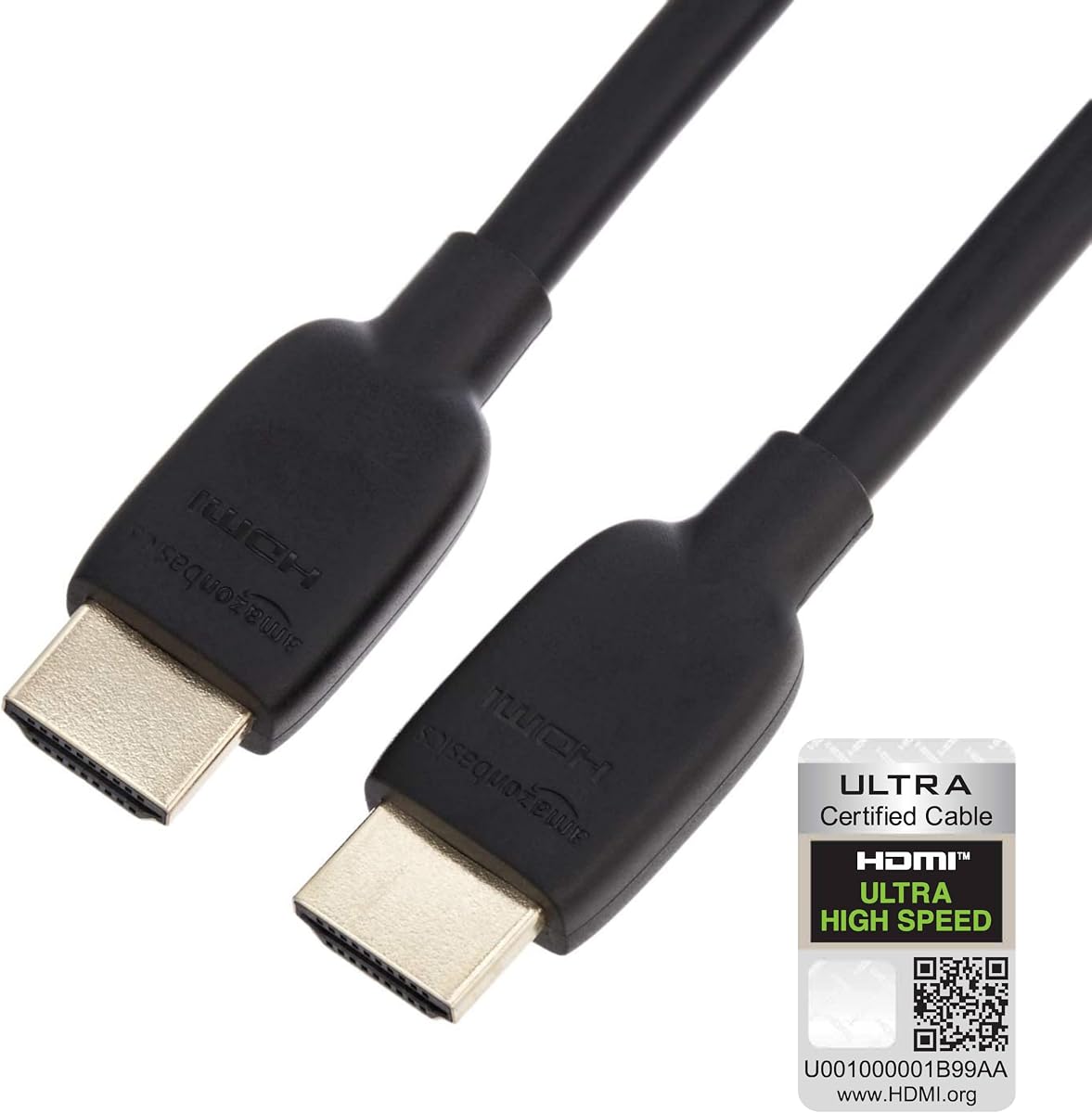
Amazon Basics HDMI 2.1 Cable
4.7Editor score
8K@60Hz Support
Gold-Plated Connectors
Flexible PVC Cable Design
This guide compares the top HDMI cables for dual monitor setups, evaluating speed, durability, and compatibility for 8K and 4K displays.
Finding the right HDMI cable for dual monitors ensures seamless connectivity and sharp visuals across your workspace. High bandwidth and reliable shielding prevent signal loss during extended use.
We evaluated ten leading options based on certification, build quality, and performance metrics. Our analysis focuses on real-world usability for gaming, productivity, and home theater setups.
Each pick highlights specific strengths like refresh rates, durability, and pricing. Prices and availability fluctuate, so verify current details before purchasing to ensure compatibility with your gear.
4.7Editor score
4.8Editor score

4.6Editor score
Compare the top ten HDMI cables side by side to find the perfect match for your dual monitor configuration. This table highlights key specifications for each option.


This UGREEN cable stands out as the top choice for dual monitor setups requiring high bandwidth. It holds official HDMI 2.1 certification ensuring reliable performance across modern devices.
We may earn a commission when you buy through this link, at no additional cost to you.
With 48Gbps bandwidth it handles uncompressed 8K video and high refresh rates without signal loss. Dynamic HDR and eARC support enrich visual and audio fidelity significantly.
The robust aluminum alloy case and nylon braided jacket ensure it withstands frequent bending. While pricier than basic options the durability justifies the investment for long term use.
Ideal for gamers and professionals seeking sharp visuals this cable delivers consistent results. It is the best pick for those prioritizing performance and build quality.
The 48Gbps bandwidth supports resolutions up to 10K and 8K at 60Hz ensuring smooth playback.
eARC delivers full resolution audio like Dolby Atmos providing immersive sound for entertainment.
We may earn a commission when you buy through this link, at no additional cost to you.
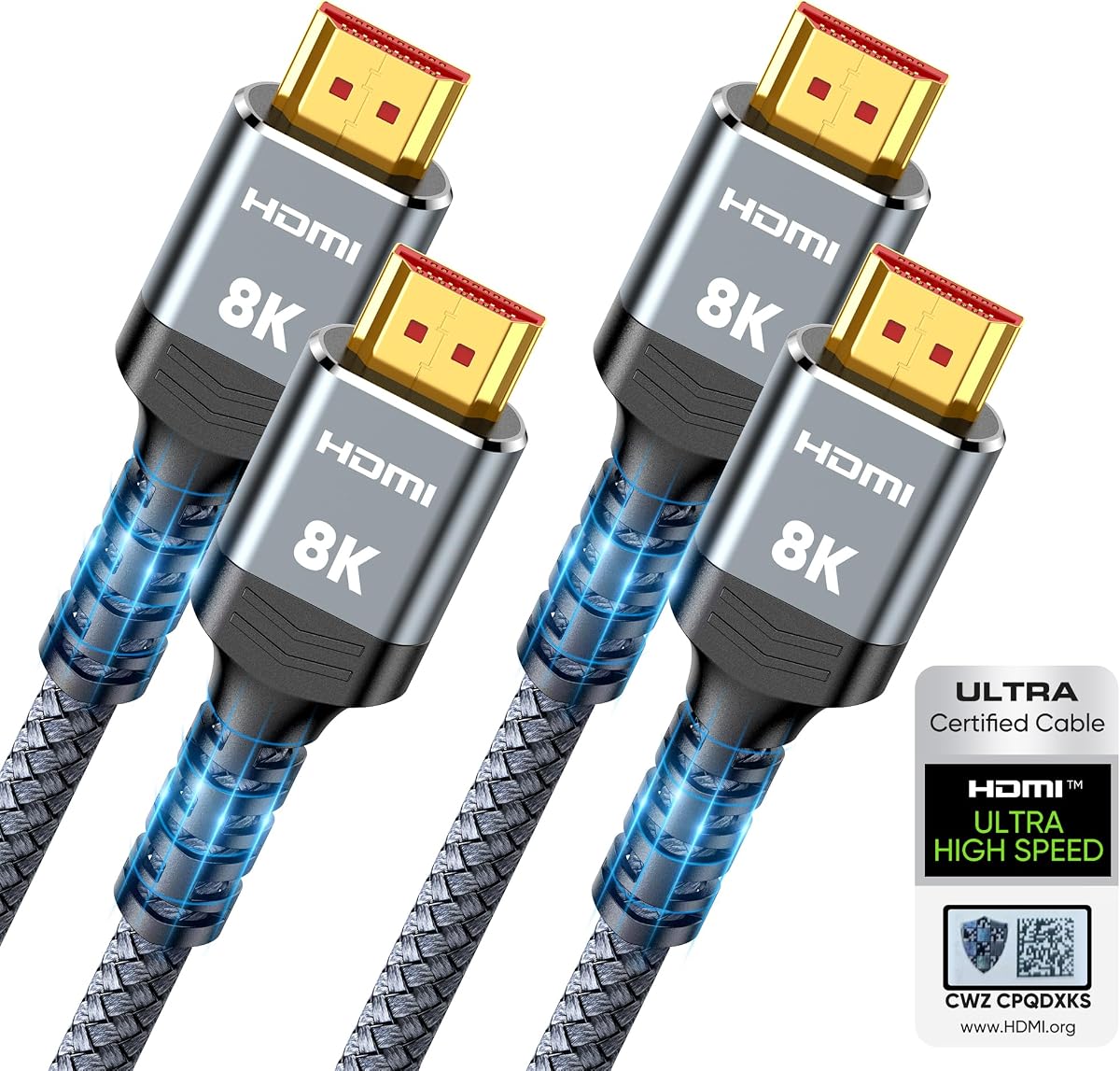
The Highwings 2-pack offers excellent value for users needing two cables for dual monitors. It is certified for 48Gbps speeds and handles 8K and 10K resolutions effectively.
We may earn a commission when you buy through this link, at no additional cost to you.
Features like variable refresh rate support make it great for gaming setups requiring smooth motion. The anti-bending design and military grade nylon enhance durability against daily wear.
While it lacks some advanced audio features the visual performance is solid. The two-pack ensures you have a spare cable which is practical for extensive setups.
This option is perfect for budget conscious buyers who still want certified performance. It balances cost and reliability well for most home and office use cases.
Getting two cables in one purchase simplifies dual monitor setups without extra cost.
Variable refresh rate support reduces screen tearing for a smoother gaming experience.
We may earn a commission when you buy through this link, at no additional cost to you.
Silkland delivers a verified HDMI 2.1 cable designed for high refresh rate gaming and productivity. The QR code verification adds a layer of trust regarding certification claims.
We may earn a commission when you buy through this link, at no additional cost to you.
Support for 4K at 144Hz ensures smooth visuals on compatible monitors. The E-Braid technology and magnetic beads help eliminate signal flickering during transmission.
Audio formats like Dolby Atmos are supported providing an immersive experience. Customer support is responsive which is a plus for resolving technical issues quickly.
Buyers looking for verified high speed connections will find this reliable. It suits gamers and power users who need consistent performance across different devices.
The QR code scanner app allows users to confirm HDMI 2.1 certification instantly.
Support for 144Hz ensures fluid motion for competitive gaming and smooth scrolling.
We may earn a commission when you buy through this link, at no additional cost to you.
Acer brings its hardware expertise to this HDMI cable offering reliable performance for gamers. The 48Gbps bandwidth supports high refresh rates essential for competitive gaming.
We may earn a commission when you buy through this link, at no additional cost to you.
VRR support reduces screen tearing ensuring smooth gameplay on compatible displays. The braided design and aluminum shell protect the internal wiring from bending and wear.
eARC enhances audio quality for soundbars and receivers. It works seamlessly with consoles and PCs making it a versatile choice for mixed setups.
This cable is ideal for gamers needing high refresh support without compromise. It is a solid choice for those prioritizing smooth visuals and brand reliability.
Variable refresh rate support minimizes tearing for consistent smooth motion in games.
Acer is a trusted name in monitors and hardware ensuring quality assurance.
We may earn a commission when you buy through this link, at no additional cost to you.
Belkin offers a premium HDMI cable designed for high fidelity audio and video needs. The 2-layer shielding provides exceptional protection against interference ensuring stable signals.
We may earn a commission when you buy through this link, at no additional cost to you.
Support for Dolby Vision enhances viewing quality with better contrast and color. It is certified for 48Gbps speeds which supports modern 4K and 8K displays.
While expensive it delivers on reliability and build standards. The 6.6ft length is ideal for most desk and entertainment center setups.
Choose this if you value brand reputation and premium materials. It fits users seeking top tier quality for critical applications like home theater and design work.
Support for Dolby Vision ensures enhanced dynamic range and color for compatible screens.
Double layer shielding reduces electromagnetic interference for consistent performance.
We may earn a commission when you buy through this link, at no additional cost to you.
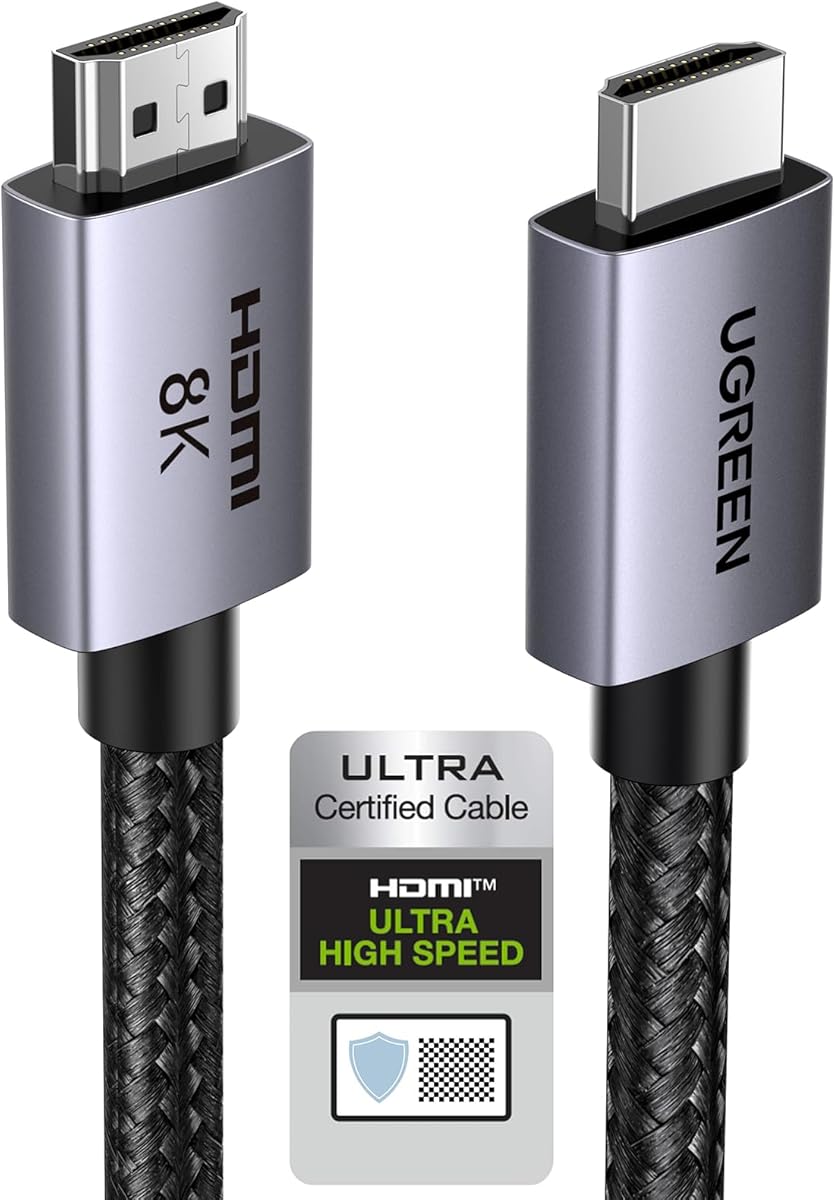
This UGREEN cable adds Ethernet support enabling file sharing between devices via the HDMI link. It delivers 4K and 8K resolutions with excellent color accuracy.
We may earn a commission when you buy through this link, at no additional cost to you.
Dynamic HDR and 12-bit color precision enhance visual clarity. The premium nylon jacket ensures durability against daily use and bending.
The Ethernet channel is a niche but useful feature for specific workflows. It works with most modern consoles and PCs providing reliable connectivity.
Ideal for those needing extra connectivity options. It balances performance and durability making it a strong contender for versatile setups.
Built-in Ethernet allows data sharing between compatible devices without extra cabling.
12-bit color depth delivers richer gradients and better image fidelity.
We may earn a commission when you buy through this link, at no additional cost to you.
Amazon Basics offers an affordable certified HDMI 2.1 cable for budget conscious buyers. It supports 8K at 60Hz and 4K at 120Hz ensuring modern resolution support.
We may earn a commission when you buy through this link, at no additional cost to you.
The gold-plated connectors resist corrosion enhancing signal quality. The 3-foot length is perfect for short connections to gaming consoles or laptops.
While it lacks heavy duty shielding it meets the core requirements for high speed video. The plug and play design simplifies setup for any user.
This is the top budget pick for basic high speed needs. It works well for short setups where cost is a primary concern.
Affordable pricing makes it accessible for anyone needing reliable high speed connectivity.
The 3-foot size is ideal for clean desk setups without excess cable clutter.
We may earn a commission when you buy through this link, at no additional cost to you.
PowerBear provides a long 10-foot cable ideal for setups requiring extra reach. It supports 4K and 60Hz which covers most standard dual monitor needs.
We may earn a commission when you buy through this link, at no additional cost to you.
CL3 rating means it is safe for in-wall use in commercial environments. The braided nylon and gold connectors ensure reliable connections and durability.
While it is HDMI 2.0 it still delivers high quality visuals for most users. The extra length solves routing issues in larger rooms or complex desks.
This is the best choice when length is a priority. It is safe for in-wall runs and suits home office setups needing reach.
CL3 rating allows safe installation in walls for cleaner cable management.
The 10-foot cable reaches across rooms without needing extension adapters.
We may earn a commission when you buy through this link, at no additional cost to you.
This cable connects DisplayPort outputs to HDMI inputs enabling flexibility for older PCs. It works well for 1080p and lower resolutions at 60Hz smoothly.
We may earn a commission when you buy through this link, at no additional cost to you.
The uni-directional design means it only works from PC to monitor. The 6-foot length allows enough slack for comfortable desk setups.
4K support is limited to 30Hz which may not suit high refresh gaming. However it solves connectivity needs for standard office or home monitors.
Buy this if you have a PC with DP output and HDMI monitors. It is a practical converter for budget dual monitor configurations.
Designed for DP sources this cable bridges the gap for HDMI displays.
4K at 30Hz suits static work but limits high refresh rate usage.
We may earn a commission when you buy through this link, at no additional cost to you.
This 2-pack provides two DP to HDMI cables perfect for dual monitor setups. It supports 4K at 60Hz and 1080p ensuring decent resolution for work.
We may earn a commission when you buy through this link, at no additional cost to you.
The braided nylon jacket and gold connectors offer durability. Extend mode support makes it easy to set up secondary displays for multitasking.
While it is limited to 30Hz on 4K it meets most office productivity needs. The value of two cables makes it a smart buy for workstations.
Ideal for users with DP ports needing multiple monitors. It solves dual display connectivity efficiently with solid build quality.
Getting two cables simplifies setting up dual monitors without extra purchases.
Supports extended desktop mode for better multitasking and productivity.
We may earn a commission when you buy through this link, at no additional cost to you.
Selecting the right HDMI cable depends on bandwidth needs length and build quality. This guide outlines key factors to consider before buying.
Ensure the cable supports at least 48Gbps for 8K or high refresh rate 4K displays. Higher bandwidth prevents signal loss and ensures smooth playback across both monitors.
Choose cables with HDMI 2.1 certification for the best performance with modern hardware.
Check that the cable supports your monitor's native resolution such as 4K or 8K. This ensures sharp visuals without scaling artifacts or flickering.
Prioritize cables that handle high refresh rates for gaming or design work.
Measure the distance between your source and monitors to pick the correct length. Too short causes strain; too long adds clutter and potential interference.
Look for cables that match your desk or room layout for a clean setup.
Braided nylon and aluminum shells resist wear and improve durability. Gold plated connectors protect against corrosion ensuring stable signal transmission over time.
Invest in durable cables to avoid frequent replacements and signal dropouts.
Ensure the cable supports eARC for high fidelity audio to soundbars or receivers. This feature enables immersive sound without separate audio cabling.
Prioritize cables with eARC if you rely on built-in speaker systems.
Verify the cable supports HDCP 2.2 or higher for streaming content protection. This ensures compatibility with services like Netflix and Apple TV without errors.
Cables meeting HDCP 2.3 requirements are best for premium streaming quality.
Look for official HDMI 2.1 certification labels to confirm performance claims. Certified cables reduce the risk of purchasing underpowered products.
Trust certified products for guaranteed stability and quality assurance.
Confirm your source and monitors use HDMI ports or adapters like DP to HDMI. Using the right connector ensures seamless plug and play functionality.
Choose DP to HDMI cables if you are connecting PCs with DisplayPort outputs.
Connect the cable securely to both the source device and monitor ports ensuring a snug fit. A loose connection can cause flickering or signal loss during use.
Route the cable away from power lines to minimize interference. Using cable ties or organizers keeps the setup tidy and reduces wear.
Inspect connectors periodically for damage or corrosion. Clean gently with a soft cloth to maintain signal quality over time.
HDMI 2.1 is necessary if you need 4K at high refresh rates or 8K resolution. For standard 4K at 60Hz HDMI 2.0 may suffice.
Typically one HDMI cable connects one source to one display. Use adapters or splitters for multi-monitor setups depending on hardware.
Yes longer cables can degrade signal without proper shielding. High quality cables maintain stability even at lengths above 6 feet.
eARC enables high bandwidth audio like Dolby Atmos. It ensures better sound quality for home theaters or immersive gaming setups.
Gold plating resists corrosion improving signal reliability. They are especially useful in humid or long-term installation scenarios.
Splitters mirror the same image to two monitors. Use MST hubs or separate ports for extended desktop functionality.
The UGREEN HDMI 2.1 and Highwings 2-pack stand out for speed and value. Belkin delivers premium build quality for those prioritizing durability.
Prioritize bandwidth and build quality to match your setup needs. Proper certification ensures reliable performance across your dual monitors.
Always verify current prices and availability before buying. Choosing the right cable now prevents future compatibility issues and extra costs.