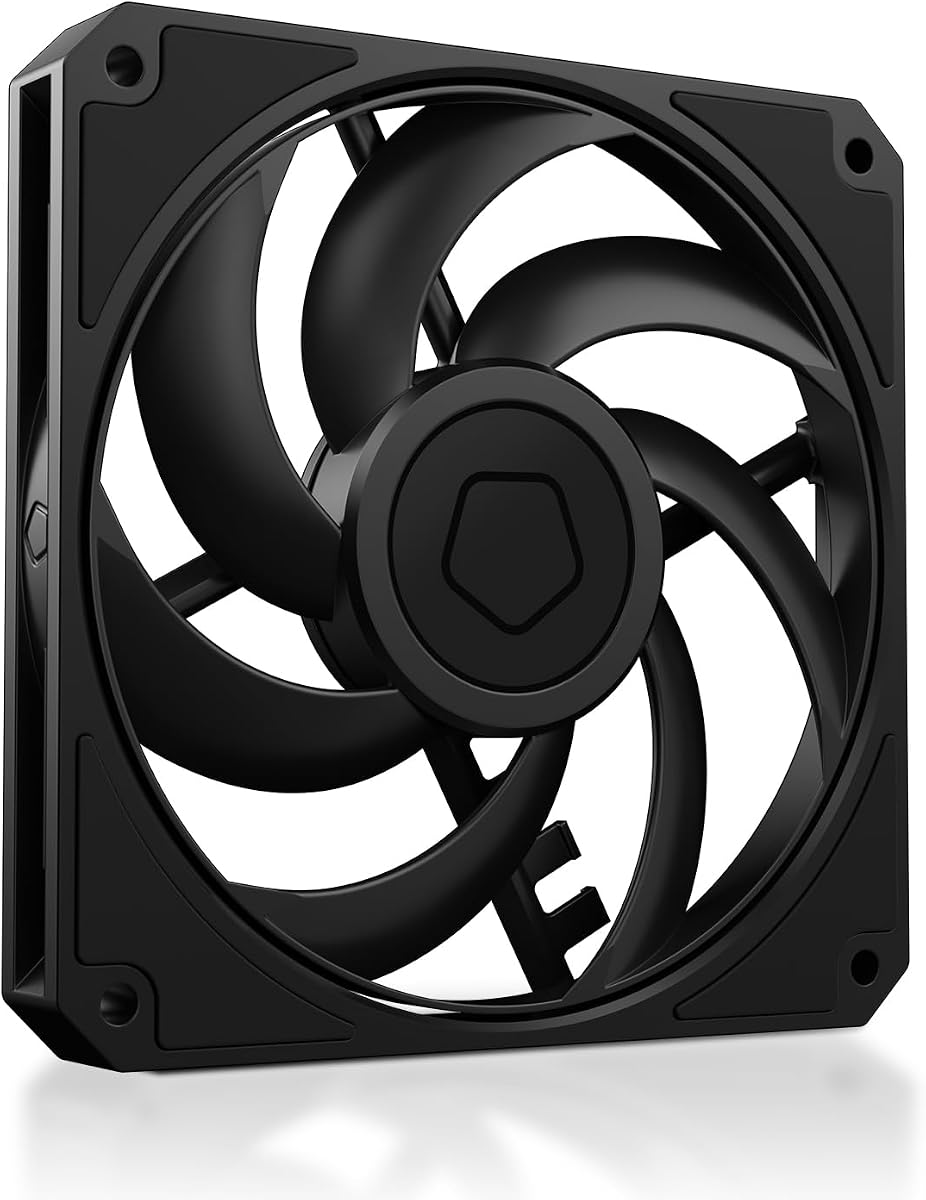
ID-COOLING AM-120-SLIM
4.8Editor score
59.6 CFM airflow
15mm low profile
2.7mmH2O static pressure
This guide compares the top 10 low profile case fans for compact builds, evaluating airflow, noise, and static pressure to help you choose the right cooling
Building a compact PC often means sacrificing space for cooling efficiency. Low profile case fans solve this by fitting into tight spaces without compromising performance. These slim units measure just 15 millimeters thick, allowing them to clear low profile coolers and dense radiator setups.
We evaluated ten top models based on airflow, static pressure, noise levels, and build quality. Each fan offers unique strengths for small form factor,, HTPCs, and restricted chassis. Our analysis focuses on real-world cooling potential and acoustic comfort.
Every selection includes detailed specs, pros, cons, and usage tips. Prices fluctuate often so check current listings before buying. This guide helps you balance performance and acoustics for your specific build constraints.
4.8Editor score

4.9Editor score

4.8Editor score
The following table compares key specifications across all ten models to help you identify the right fit for your specific cooling needs and space constraints.


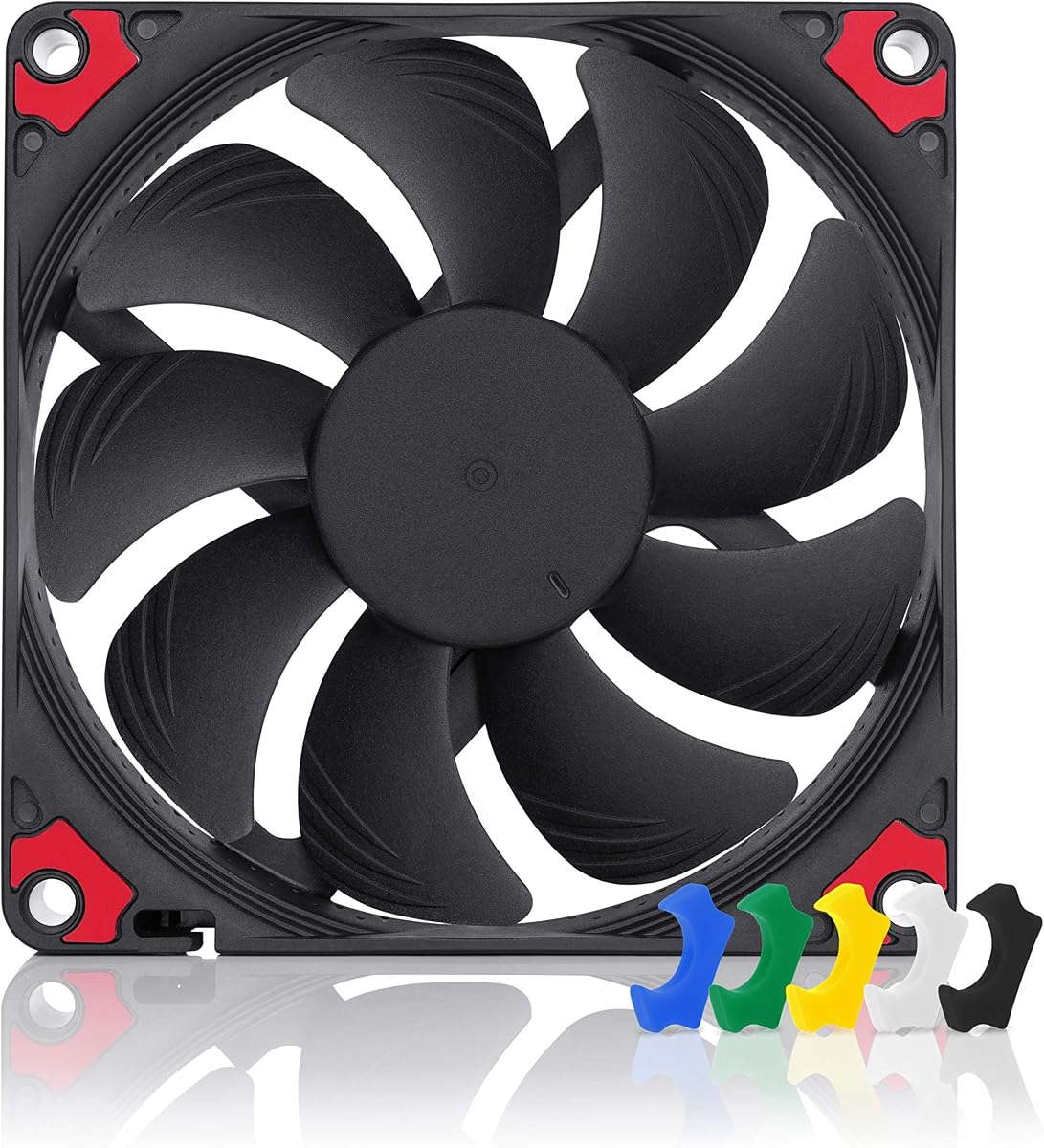
The Noctua NF-A12x15 PWM stands out as the premier choice for low profile cooling. With a stellar 4.9 rating, it delivers exceptional performance in a slim 15mm frame. Its Flow Acceleration Channels and acoustic optimisation frame set it apart from competitors.
We may earn a commission when you buy through this link, at no additional cost to you.
This fan excels in both airflow and static pressure, making it ideal for radiators and low profile coolers. The 4-pin PWM allows precise speed control from 1400 to 1850 RPM. Users report whisper-quiet operation even at full load.
While the price is higher than budget options, the included accessories like anti-vibration mounts and extension cables justify the cost. The brown and beige color scheme is iconic but may clash with all black builds.
This fan is perfect for builders prioritising silence and reliability in ITX or SFF systems. It remains the benchmark against which other slim fans are measured in our testing scenarios.
Advanced frame design reduces noise without sacrificing airflow efficiency for quieter builds.
With over 150000 hours MTTF, this fan ensures years of trouble free cooling.
We may earn a commission when you buy through this link, at no additional cost to you.
The ID-COOLING AM-120-SLIM offers unbeatable value for budget builders. It achieves high static pressure and airflow that rivals more expensive fans. At just under 10 dollars it is the most accessible option for 15mm cooling.
We may earn a commission when you buy through this link, at no additional cost to you.
Its 2.7mmH2O static pressure makes it excellent for radiators where air resistance is high. The PWM control allows automatic speed adjustment to match system temperature without manual intervention.
At maximum RPM it can be louder than premium fans but this is expected at this price. The plastic frame is functional but lacks the robustness of metal or high grade polymer frames.
Choose this fan if you need strong cooling power without breaking the bank. It is ideal for temporary builds or budget SFF cases where performance per dollar is the priority.
High static pressure ensures effective airflow through restricted spaces like radiators.
Intelligent PWM control balances noise and cooling based on system needs.
We may earn a commission when you buy through this link, at no additional cost to you.
This chromax.black.swap version combines Noctua performance with modern aesthetics. It delivers the same cooling power as the brown version but in a uniform black frame. The self-adhesive pads allow you to match your build theme perfectly.
We may earn a commission when you buy through this link, at no additional cost to you.
The Flow Acceleration Channels and AAO frame ensure silence even at high speeds. It stops at 0 PWM for semi-passive operation which is great for idle cooling.
The main drawback is the cost premium over the standard model. If color matching is not a priority the brown version offers better value.
Choose this for high-end builds where visual consistency is as important as cooling. It fits seamlessly into black themed gaming PCs or professional workstations.
Includes multiple colored pads to match your rig build color scheme.
Stops completely at 0 PWM to eliminate noise when cooling is not needed.
We may earn a commission when you buy through this link, at no additional cost to you.
Getting three fans for the price of one makes this a smart buy. It is perfect for radiators that need multiple fans for maximum efficiency. The PST chain allows connecting multiple units to a single header.
We may earn a commission when you buy through this link, at no additional cost to you.
It provides strong static pressure for its class ensuring air gets through radiators. The noise level is higher than premium fans but acceptable at moderate speeds.
The plastic housing is functional but lacks vibration damping of higher-end models. It is better suited for exhaust or radiator use than intake on sensitive components.
This is the logical choice for liquid cooling setups requiring multiple slim fans. It offers excellent performance per dollar for SFF AIO cooling.
Connect multiple fans to one header to save motherboard ports easily.
High static pressure ensures effective cooling through thick radiators.
We may earn a commission when you buy through this link, at no additional cost to you.
The P14 provides larger surface area for better air volume in compatible cases. It is perfect for SFF systems that support 140mm slim fans for improved efficiency. The 16mm thickness still fits many low profile scenarios.
We may earn a commission when you buy through this link, at no additional cost to you.
Airflow is significantly higher than standard 120mm slim fans making it great for intake. The PST feature simplifies wiring when used in a multi-fan array.
Chassis support for 140mm slim fans is less common. Check your case specs carefully before purchasing to avoid compatibility issues.
Ideal for builds needing high air volume without sacrificing case height. It balances size and performance for those who can accommodate the width.
Larger diameter provides greater air volume for better thermal management.
Maintains low height while offering 140mm cooling surface area.
We may earn a commission when you buy through this link, at no additional cost to you.
This fan embodies be quiet brand focus on silence and quality. It operates quietly at low speeds making it suitable for HTPC or office builds. The 7 blade design optimises airflow while minimising turbulence.
We may earn a commission when you buy through this link, at no additional cost to you.
The rifle bearing offers 80000 hours of reliable service. PWM control ensures speeds adjust automatically based on thermal needs without user input.
It lacks extra accessories like anti-vibration mounts found in competitor models. You may need to buy them separately to reduce vibration noise.
Perfect for silent builds where low RPM is more important than max cooling. It is a solid choice for HTPCs and quiet gaming PCs.
Low minimum RPM allows near silent operation for passive cooling needs.
Designed and engineered in Germany for high reliability standards.
We may earn a commission when you buy through this link, at no additional cost to you.
For 92mm cooler compatibility this fan is unmatched in quality. It works perfectly with low profile CPU coolers that require 92mm slim fans. The 14mm thickness ensures clearance on tall CPUs.
We may earn a commission when you buy through this link, at no additional cost to you.
HS-PWM control offers precise speed regulation to reduce noise at idle. The 92x14mm A-Series design maintains performance despite the smaller size.
The price is high for a 92mm fan but necessary for premium performance. Availability can be limited due to high demand for Noctua slim fans.
Choose this for ITX builds with 92mm CPU coolers. It ensures optimal cooling without thermal throttling in constrained environments.
Special PWM protocol enables precise speed control for silent operation.
14mm thickness fits low profile CPU coolers perfectly.
We may earn a commission when you buy through this link, at no additional cost to you.
The FLX version simplifies wiring with a 3-pin connector. It offers three fixed RPM settings via Low-Noise Adaptors instead of PWM. This removes the need for motherboard PWM support.
We may earn a commission when you buy through this link, at no additional cost to you.
It uses the same A-Series design for identical performance to the PWM model. You can run two fans on one header using the included y-cable.
Without PWM you lose automatic speed adjustment based on temperature. This may result in higher noise if the system overheats without fan speed adjustment.
Choose this if your motherboard lacks PWM headers. It is ideal for simple builds where manual control is acceptable.
Works with standard 3-pin headers without requiring PWM support.
Includes adaptors to lower RPM and noise as needed.
We may earn a commission when you buy through this link, at no additional cost to you.
The standard model is the core of the A12x15 range. It combines silence and cooling in a slim 15mm profile. It is perfect for low profile CPU coolers and tight radiator setups.
We may earn a commission when you buy through this link, at no additional cost to you.
With 1850 RPM max it delivers high performance without excessive noise. Anti-vibration mounts ensure stable operation and reduced noise transfer.
The brown and beige color scheme limits its aesthetic flexibility. Some users prefer the chromax.black.swap version for all-black builds.
Select this for the best performance if color does not matter. It is the gold standard for slim low-profile cooling.
Advanced acoustic design keeps noise levels minimal even at full speed.
Clears low profile CPU coolers and fits tight radiator gaps.
We may earn a commission when you buy through this link, at no additional cost to you.
This fan offers balanced performance at a mid-range price point. The 1500 RPM max keeps noise low but cooling capacity is moderate. It is suitable for quiet SFF builds needing basic cooling.
We may earn a commission when you buy through this link, at no additional cost to you.
The S-FDB bearing ensures low friction and extended life. Anti-vibration pads are included to reduce resonance in chassis frames.
Lower RPM means less airflow compared to 1800 or 2500 RPM models. It is not ideal for dense radiators requiring high static pressure.
Choose this for quiet builds prioritising silence over max cooling. It fits SFF cases where noise levels are a primary concern.
Vibration absorbing pads reduce noise transfer during operation.
Hydraulic bearing reduces friction for quieter and longer life.
We may earn a commission when you buy through this link, at no additional cost to you.
Choosing the right fan requires balancing size, performance, and acoustics for your build.
Low profile fans are typically 15mm or 16mm thick to fit limited spaces. Always measure your case and cooler clearance before buying.
Ensure your chosen fan fits within the 15mm or 16mm limit to avoid installation issues.
Static pressure determines how well air pushes through restricted spaces like radiators. High static pressure is vital for radiator cooling.
Airflow is better for open spaces like intake vents. Match the spec to your cooling needs.
PWM allows automatic speed adjustment based on system temperature. It saves power and reduces noise during idle.
If your motherboard supports PWM use it to optimise cooling and silence.
Lower RPM generally means lower noise. Some fans offer silent modes or low noise adaptors.
Check dB(A) ratings carefully. Aim for under 25 dB(A) at maximum speed if silence is a priority.
Most slim fans are 120mm or 140mm. 92mm fans are used for smaller CPU coolers.
Verify your case and cooler mounting holes match the fan size before purchasing.
Long bearing life ensures the fan runs quietly for years. S-FDB or hydraulic bearings are reliable.
Look for MTTF ratings over 50000 hours to ensure long term reliability.
Many builders want fans that match their build theme. Black or brown frames change the look.
Choose a model that matches your case colors to maintain visual consistency.
Some fans include screws and anti-vibration mounts. Others require separate purchase.
Verify what is included to avoid extra costs for accessories.
Ensure the fan is mounted securely. Tighten screws diagonally to avoid wobbling and vibrations.
Connect the PWM cable to a compatible header on your motherboard. Configure fan curves in BIOS for optimal performance.
Clean dust regularly to maintain airflow and reduce noise. Use compressed air to clear the blades.
They can be quieter due to lower RPM requirements, but high static pressure often demands higher speeds. It depends on the model and fan curves configured in BIOS.
Yes. You can use them on standard coolers but they offer less surface area. They are best when clearance is a primary concern for installation.
PWM controls fan speed by sending signals to the fan motor. It allows automatic speed adjustments based on system temperature to reduce noise and save power.
Yes. High static pressure helps push air through the dense fins of radiators effectively. Low static pressure fans will struggle with restricted airflow.
Most fans have PWM connectors that can be daisy chained. Use the included cables to connect multiple fans to a single motherboard header.
140mm fans move more air at lower RPMs for reduced noise. Ensure your case supports 140mm mounts before buying to avoid fit issues.
We ranked the Noctua NF-A12x15 PWM as the top pick for overall performance. For budget builders the ID-COOLING AM-120-SLIM offers unbeatable value.
Prioritise static pressure if you are using liquid cooling. Prioritise RPM control for silent builds where noise is the main concern.
Prices fluctuate often so check current listings for the best deals. Always verify mounting compatibility before making your purchase.