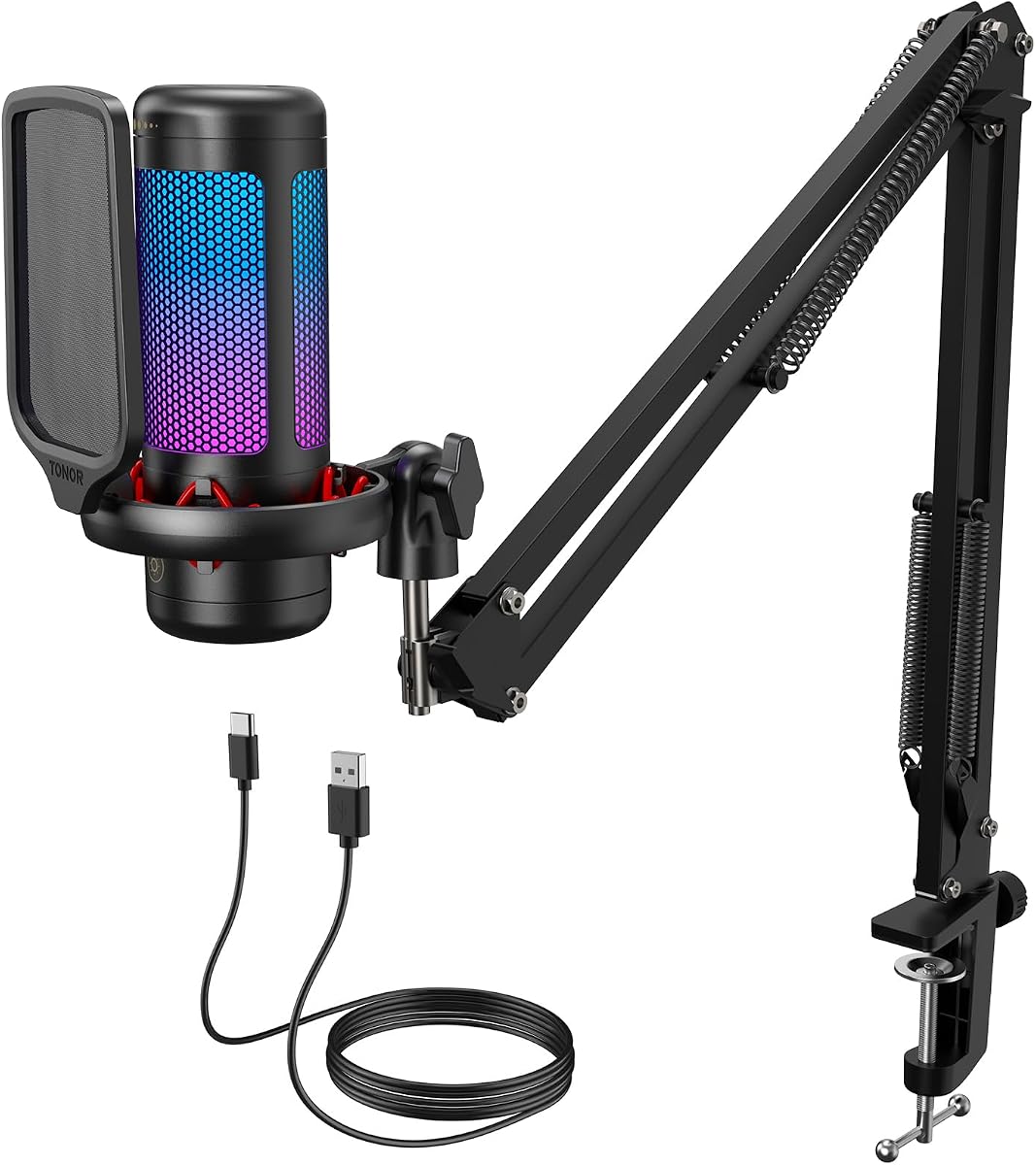
TONOR Gaming Microphone Set with Boom Arm
4.5Editor score
Clear sound with premium chips
RGB lighting modes for vibe
Tap mute and gain control
This guide compares the top ten microphone sets for live streaming to help creators choose the right audio solution for their content and budget needs today.
Finding the right microphone set for live streaming is essential for clear audio that keeps viewers engaged. A good kit includes a quality mic, stand, and accessories for a complete setup without extra costs.
We evaluated ten top-rated microphone sets based on sound quality, ease of use, and included features. Each product offers unique benefits for streamers, podcasters, and content creators starting out or upgrading.
Each pick shows key strengths and real-world performance to help you decide. Prices and availability change frequently so check the latest details before purchasing your ideal streaming audio equipment.
4.5Editor score

4.1Editor score

4.7Editor score
This side-by-side comparison highlights key specs and features for all ten microphone sets to help you quickly identify the best fit for your live streaming needs.




The TONOR TC310+ offers a complete audio setup for streamers needing clear voice capture without breaking the budget. It delivers solid sound quality with a cardioid pattern that focuses on your voice while minimizing background noise.
We may earn a commission when you buy through this link, at no additional cost to you.
Its standout feature is the RGB lighting which adds a vibrant gaming vibe to your desk. You can adjust brightness and choose modes from static colors to gradients. The tap mute and gain control ring provide quick adjustments during live sessions.
While the boom arm is functional it may lack the durability of higher-end metal options. The RGB lighting though fun might not suit minimal setups but you can adjust or disable it to reduce distraction.
This set is ideal for beginner streamers and gamers who want a plug-and-play USB mic with style. Its all-in-one design means no extra purchases and you can start broadcasting immediately with consistent voice quality.
Tap mute and gain ring allow instant adjustments without stopping your stream.
Everything from mic to boom arm is included for quick setup.
We may earn a commission when you buy through this link, at no additional cost to you.
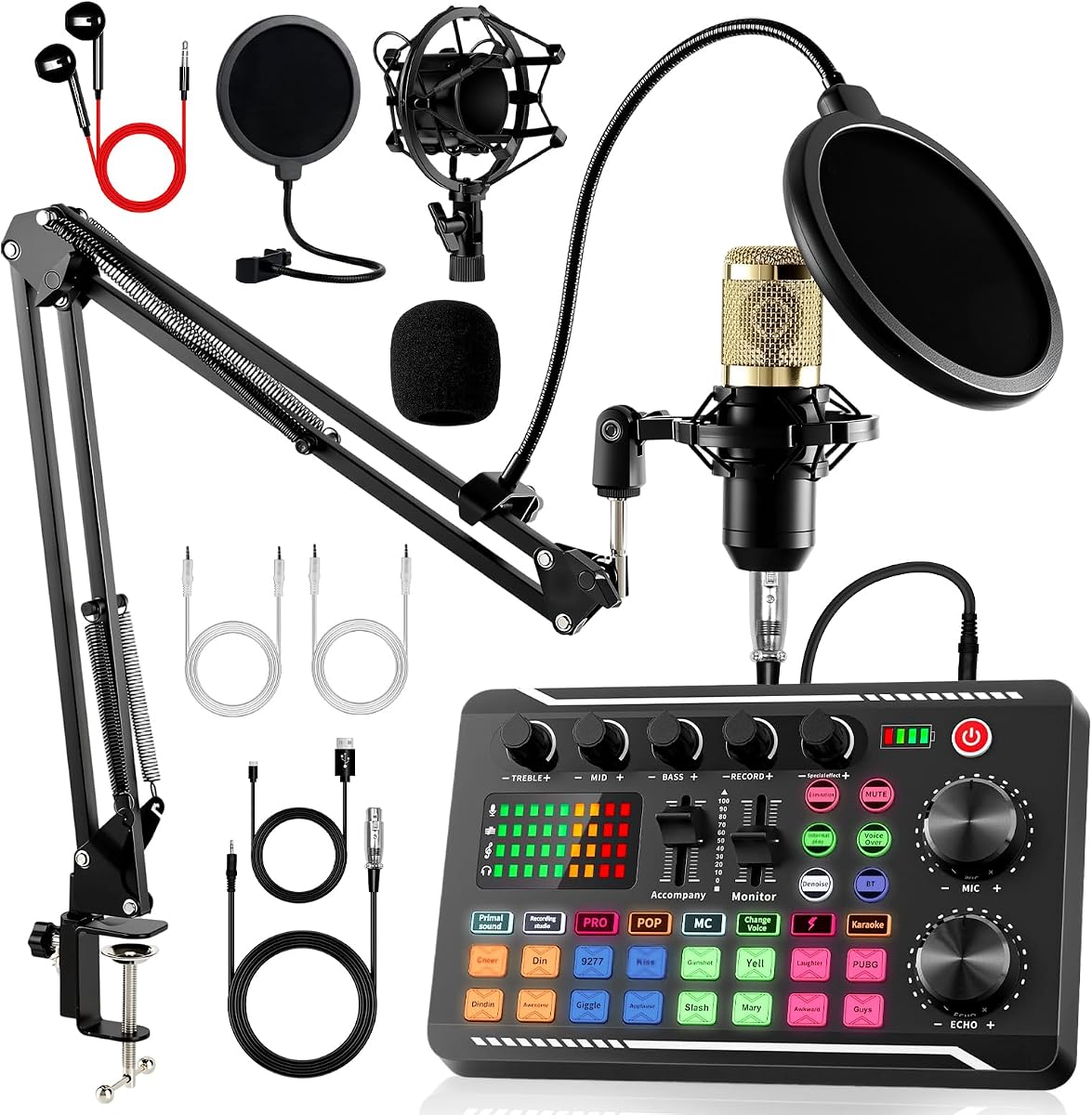
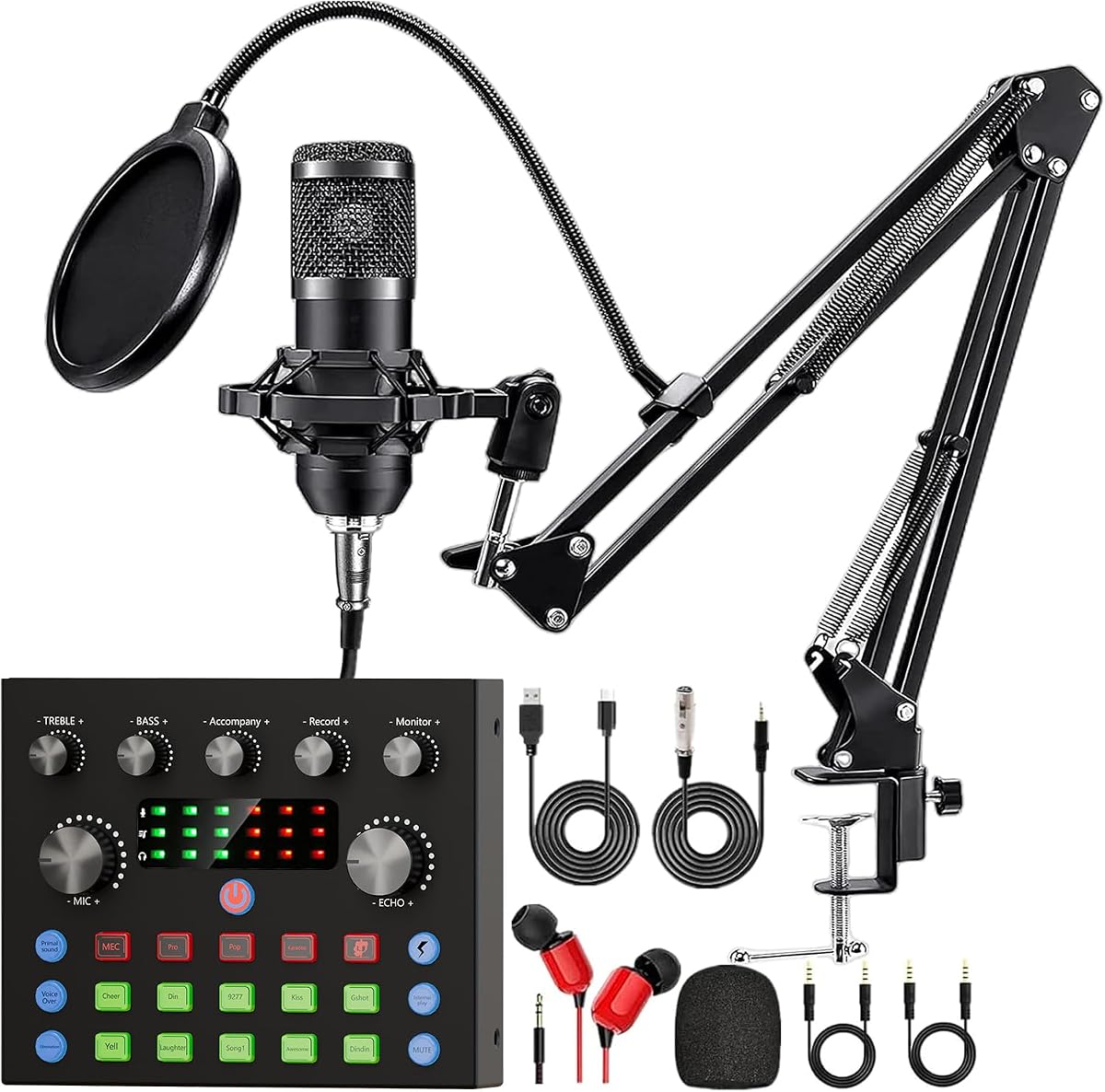
This bundle delivers a full podcast and streaming package with a dedicated audio mixer that unlocks professional sound effects without external software. It is designed for beginners who want control over their audio environment.
We may earn a commission when you buy through this link, at no additional cost to you.
The F998 mixer features 16 background effects plus voice changer modes and podcast presets. You can trigger applause or laughter during streams to engage viewers while the cardioid mic and filters reduce ambient noise.
Managing multiple cables and knobs may take time to master. The mixer offers flexibility but new users should expect a learning curve to optimize settings for different recording scenarios.
It suits podcasters and streamers seeking a budget-friendly studio setup with voice customization. Its compatibility with PC and mobile devices makes it versatile for creators switching between platforms.
Built-in effects and voice changers let you customize your broadcast.
Includes mic, mixer, cables, filters, and boom arm for quick start.
We may earn a commission when you buy through this link, at no additional cost to you.
This mixer stands out for its five-channel layout that supports multiple microphones and inputs simultaneously. It is ideal for live streams with music, guests, or karaoke where audio sources need independent control.
We may earn a commission when you buy through this link, at no additional cost to you.
Each channel offers volume, echo, EQ and gain adjustments so you can balance vocals and background audio precisely. The included UHF wireless microphones let you move freely without cable restriction during performances.
Wireless mics use AA batteries which last 4 to 6 hours. For longer sessions you may need replacements. The mixer is powerful but may feel overwhelming for single speaker streaming.
It is best for home studios and streamers hosting multi-person shows or karaoke. Its USB interface ensures easy PC connectivity and phantom power supports professional condenser microphones.
Adjust each input source separately for balanced mixed audio.
UHF wireless mics provide up to 180 feet stable range.
We may earn a commission when you buy through this link, at no additional cost to you.
This all-in-one microphone combines mic sound effects and audio control in one portable device so you can stream without extra gear. It connects via receiver to phone or computer for instant use.
We may earn a commission when you buy through this link, at no additional cost to you.
Features like real-time monitoring and Dodge ducking help you hear your voice and manage background music smoothly. Voice effects add personality while noise reduction cuts out room hum.
It lacks advanced EQ or mixing but covers basics well for casual streamers. The AUX output allows speaker connection for karaoke but main output routes to device for streaming.
Perfect for TikTok creators and mobile streamers who need simplicity. It removes technical barriers so you can focus on content and performance.
Background music automatically lowers when you speak to keep focus.
Works with major apps like Twitch TikTok and Reels.
We may earn a commission when you buy through this link, at no additional cost to you.
TENLAMP bundles condenser mic and audio mixer into one efficient setup. It is optimized for creators needing a complete audio system without sourcing separate components.
We may earn a commission when you buy through this link, at no additional cost to you.
The follow singing mode lets you hear original track privately while audience hears only voice and music. Voice changers and real-time bass treble pitch controls offer creative flexibility.
It prioritizes simplicity so users can start quickly but lacks advanced routing options. Performance is reliable but not studio-grade for professional vocal production.
Ideal for streamers and podcasters wanting an integrated solution. It simplifies workflow and supports growth as skills improve without replacing core gear.
Monitor original vocals while delivering clean mix to audience.
Combines tools into one system for efficient setup.
We may earn a commission when you buy through this link, at no additional cost to you.
The DJI Mic Mini delivers premium wireless audio in an ultralight design that stays unobtrusive on camera. It provides detail-rich sound suitable for outdoor and indoor live streaming.
We may earn a commission when you buy through this link, at no additional cost to you.
Two transmitters and one receiver offer flexibility for multi-person interviews. Its noise cancellation adapts to environments and automatic limiting prevents audio clipping during loud inputs.
Battery life extends to 48 hours with case so you can record for days. The premium cost and lack of handheld style limit use for seated desk streamers.
Best for mobile creators and interviews requiring portability and professional sound. It integrates directly with Osmo cameras and supports versatile recording scenarios.
48 hours of total battery life with charging case included.
Strong and basic noise cancellation levels for different settings.
We may earn a commission when you buy through this link, at no additional cost to you.
The MAONO A04 delivers professional sound with a 192kHz/24bit chipset for smooth frequency response. It plugs directly into USB without drivers so setup is fast and seamless.
We may earn a commission when you buy through this link, at no additional cost to you.
Its 16mm condenser captures strong bass and clear vocals while the included shock mount and pop filter reduce plosives. The anti-interference ring improves cable performance and comfort.
It lacks advanced Maono Link software but works well with basic DAWs and streaming apps. The desk clamp fits thin surfaces but may not suit all desk setups.
Ideal for podcasters and streamers who want high fidelity without cost. It balances performance and convenience for home recording needs.
24bit/192kHz chip ensures crisp and detailed sound capture.
Includes mic arm, shock mount, filter, and windscreen.
We may earn a commission when you buy through this link, at no additional cost to you.
This bundle features a DSP audio chip with 4 sound variations and 10 effects to make streams more engaging. It supports multiple devices and instruments for diverse recording needs.
We may earn a commission when you buy through this link, at no additional cost to you.
Its Smart Noise Reduction and omnidirectional capture ensure clear audio while the console integrates podcasting functions with DJ-style controls. Compatible with Windows Mac and mobile systems.
Supporting instruments allows electric guitars or drums without damage. The bundle may have occasional driver setup issues but provides strong versatility.
Best for creators mixing audio instruments with voice or using sound effects. It is a flexible choice for cross-platform content creation.
Direct guitar and drum input without damaging audio quality.
Ten effects and four voice modes to engage viewers.
We may earn a commission when you buy through this link, at no additional cost to you.
CofeLife offers BM800 mic and V8s card with support for simultaneous livestreaming on two phones. It provides rich sound effects and 24bit/192kHz recording for clear audio.
We may earn a commission when you buy through this link, at no additional cost to you.
The cardioid pattern captures vocals precisely while noise reduction minimizes room sounds. You can connect to mobile or PC without extra software for quick setup.
The V8s card adds voice changers but may have limited routing options. Battery charging is needed and performance is good for entry level use.
Ideal for creators who want to stream to multiple platforms. It is a comprehensive kit for budget-conscious podcasters and TikTokers.
Stream to two phones at once for broader reach.
Durable metal condenser design ensures long lasting use.
We may earn a commission when you buy through this link, at no additional cost to you.
FIFINE T669 provides studio-quality recording with a durable steel boom arm and double pop filter to minimize plosives. Its wide frequency response handles high SPLs with ease.
We may earn a commission when you buy through this link, at no additional cost to you.
The cardioid capsule captures clear vocals while rejecting background noise and it connects via USB for simple setup. The included scissor arm offers smooth movement for optimal mic placement.
While the arm lacks a full mount base the design fits most desks. It does not have RGB but focuses on performance and reliability for home studios.
Best for podcasters needing consistent professional sound without extra gear. It balances price and quality for long-term use in voice recording.
Two layers of protection reduce air and popping noise.
Steel construction arm ensures stable positioning over time.
We may earn a commission when you buy through this link, at no additional cost to you.
Selecting a suitable microphone set requires balancing sound quality connectivity features and budget. Use this guide to evaluate key factors before buying.
Choose USB for simple plug-and-play streaming or XLR with audio interfaces for advanced control. USB sets suit mobile and casual use while XLR offers more flexibility.
For most streamers USB kits are enough. Check compatibility with your computer and OS.
Cardioid patterns focus on your voice reducing background noise. Higher bit rates like 24bit/192kHz ensure clear audio. Look for built-in noise reduction.
Prioritize mics that isolate vocals especially in shared or noisy rooms.
Full kits with boom arms pop filters and shock mounts save money. Stand-alone mics need separate purchases. Check mount clamp limits and cable length.
Select a set that matches your desk space to avoid clutter.
Audio mixers and sound cards allow real-time adjustments and voice effects. These enhance engagement but add complexity. Some bundles include effects like applause and reverb.
Use effects sparingly to keep your voice natural during live sessions.
Wireless lavalier mics offer mobility for dynamic streams but cost more. Wired mics provide stable signal without battery limits. Consider movement needs.
Wired USB mics suit seated setups while wireless suits active hosting or interviews.
Ensure the set supports your computer and phones. Some bundles offer dual device connections. Check OS and platform compatibility like Windows or mobile.
Verify that your device can connect via USB-C or Lightning without extra adapters.
Entry-level kits start affordable while premium sets include advanced features. Assess what you need most before buying. Balance cost with performance and durability.
Invest more if audio is critical but avoid overbuying unused features.
Connect your microphone to your device using the provided USB or XLR cable. Ensure all ports are fully seated. Install any drivers if needed though most are plug-and-play.
Place the mic close to your mouth and adjust the boom arm for comfort. Position filters between you and mic to reduce plosives. Avoid touching mic cables during streams.
Maintain your gear by cleaning with dry cloth and storing in dry places. Check filters and foam caps regularly. Avoid liquid spills and ensure devices charge before use.
Most USB microphone sets include built-in audio interfaces making external sound cards unnecessary. Use bundles with mixers if you need real-time effects or multi-track recording.
Cardioid patterns are ideal as they focus on your voice and reject background noise from sides and rear. This minimizes room sounds during broadcasts.
Many modern sets support both via USB-C adapters or receivers. Check product details for mobile compatibility and required connectors to stream on phones.
Echo often comes from speaker bleed into the mic. Use headphones during streaming and position mic away from speakers. Adjust noise reduction and gain settings.
Use a pop filter positioned between mouth and mic and reduce speaking volume directly at the mic. Adjust mic gain and maintain a consistent speaking distance.
Wireless mics offer mobility but can introduce latency or battery concerns. Wired mics are more reliable for fixed setups. Choose based on movement needs.
The top picks include the TONOR TC310+ for budget users the Pro 5 Channel for control and the DJI Mic Mini for wireless premium quality. Each addresses different streaming needs.
Prioritize sound clarity and connectivity compatibility. Full bundles save time while mixers add features. Choose gear that grows with your content and stream style.
Always verify current availability and specifications before purchasing. Audio equipment evolves so check the latest updates from trusted sources.