
TONOR Conference Microphone for PC G11
4.3Editor score
Omnidirectional Pickup Pattern
Plug and Play Setup
Convenient Mute Button
Clear audio is essential for productive remote collaboration and professional communication. Choosing the right device ensures every participant hears you clearly without distraction.
We evaluated ten highly rated options based on sound quality, ease of setup, and compatibility with major platforms. Each pick offers unique features for different meeting environments.
Each section details key specs, strengths, and limitations to guide your decision. Please note that product availability and pricing may change over time.
4.3Editor score
4.2Editor score

4.7Editor score
As an Amazon Associate we earn from qualifying purchases.
The following table provides a side-by-side overview of key specifications and capabilities for all ten products featured in this guide.


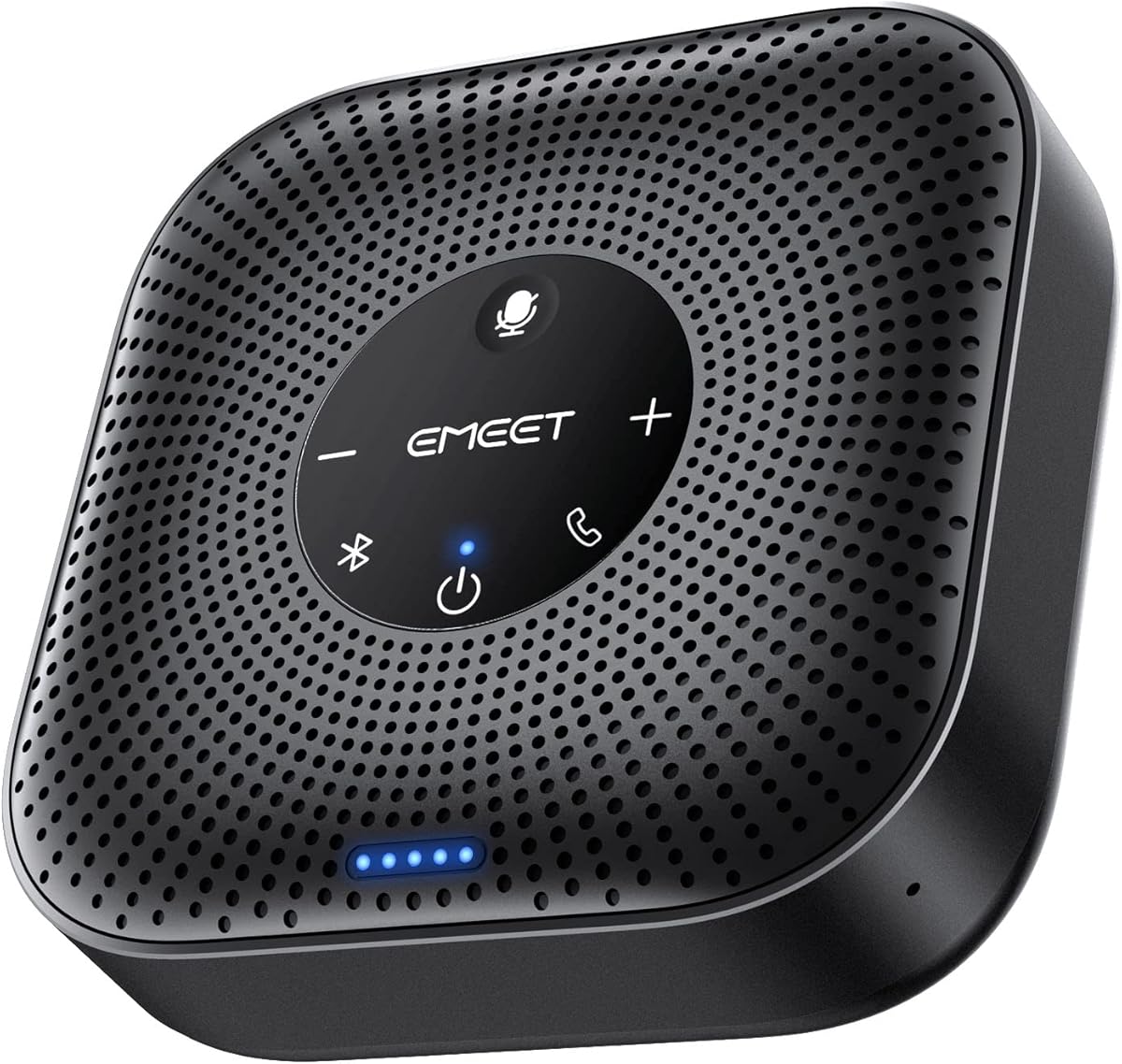
The EMEET M0 Plus stands out as a versatile conference speakerphone designed to enhance audio clarity in meeting environments. It features a robust four-mic array that captures voices from all directions effectively.
We may earn a commission when you buy through this link, at no additional cost to you.
Its VoiceIA algorithm ensures that background noise is filtered out, allowing participants to focus on the conversation. The device supports both USB and Bluetooth connections, making it flexible for different setups.
While the audio quality is strong, users might need to adjust volume levels depending on room size. The lack of physical volume knobs on the main unit can be a minor inconvenience for some.
This device is ideal for small to medium-sized home offices or remote teams. It offers a reliable solution for ensuring clear communication during daily meetings without complex setup requirements.
The four AI microphones work together to isolate voice signals and suppress ambient noise, ensuring that only relevant speech is transmitted clearly during calls.
Users can connect via USB-C for stable wired connections or use Bluetooth for wireless convenience, offering adaptability across various devices and platforms.
We may earn a commission when you buy through this link, at no additional cost to you.
The TONOR G11 is a dedicated USB microphone tailored for professional conferences and online discussions. It offers an omnidirectional pattern that captures sound from all angles within its range.
We may earn a commission when you buy through this link, at no additional cost to you.
Its primary strength lies in its ability to pick up voices clearly even when participants are seated at varying distances. The built-in mute button provides quick control over audio transmission.
Since it is a microphone only, users will need to pair it with separate speakers for listening. The design is functional rather than decorative, which suits office environments well.
This option is perfect for budget-conscious users who prioritize audio capture quality. It delivers reliable performance for team meetings without requiring additional software or drivers.
With a pickup distance of 11.5 feet, this microphone ensures that voices from across the table are captured clearly without participants needing to lean in.
The nylon shielded wire helps eliminate signal interference, ensuring stable audio transmission even in environments with electronic equipment nearby.
We may earn a commission when you buy through this link, at no additional cost to you.
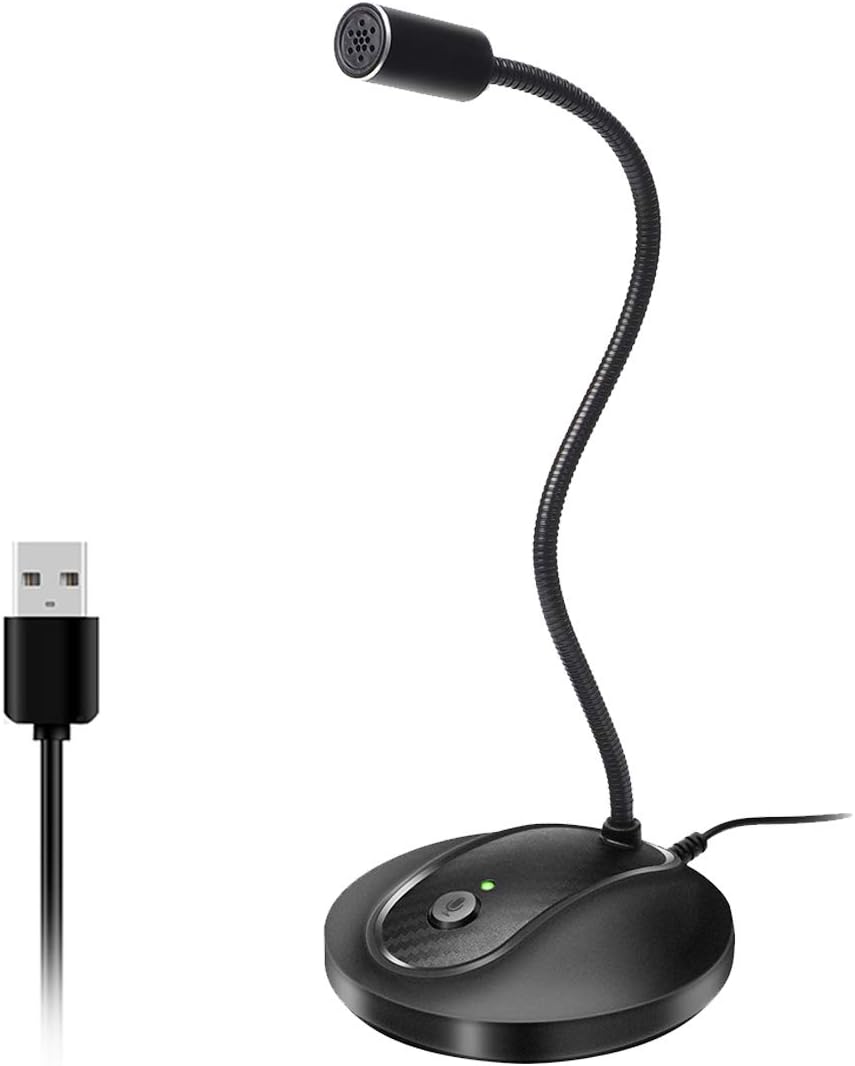
This USB microphone features a flexible gooseneck design that allows users to position the capsule precisely for optimal sound capture. It is equipped with noise-canceling technology to improve clarity.
We may earn a commission when you buy through this link, at no additional cost to you.
The adjustable neck enables users to aim the microphone directly at the speaker or center of the room. This flexibility helps maximize the effectiveness of the pickup pattern.
The LED indicator provides a clear visual cue regarding the mute status. The sturdy metal base ensures the microphone remains stable during use, preventing accidental movement.
It is suitable for fixed desk setups where consistent audio capture is needed. The design supports various activities from meetings to voice dictation effectively.
The 360-degree adjustable neck allows for fine-tuning the microphone angle, ensuring the optimal orientation for voice capture in any seating arrangement.
The built-in LED indicator light provides immediate visual confirmation of the recording status, helping users avoid unintended silence or broadcasting.
We may earn a commission when you buy through this link, at no additional cost to you.
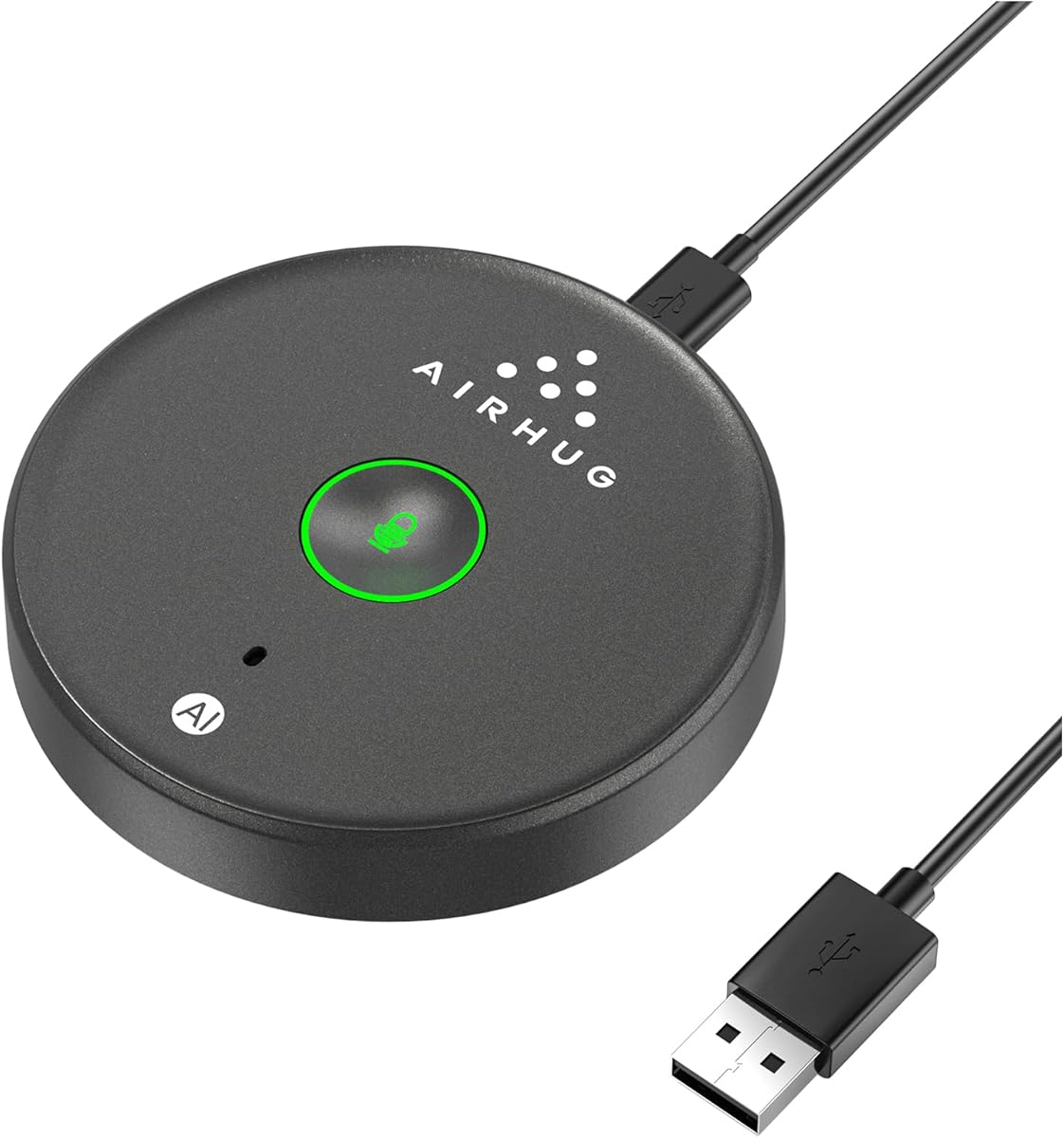
The AIRHUG USB microphone is designed to capture clear voice input without the added bulk of a speaker. It includes an AI noise reduction mode to filter out common background sounds.
We may earn a commission when you buy through this link, at no additional cost to you.
Its memory function remembers the last used sound mode after every restart, saving users from reconfiguring settings each time they start a meeting. The compact design makes it easy to transport.
The device lacks echo cancellation, which means external speakers must be used carefully to avoid feedback. However, it is well-suited for environments where echo is not a primary issue.
This microphone is an excellent choice for users who need a discreet and efficient input device. It provides reliable voice capture for virtual meetings and online classes.
The device automatically recalls the last selected audio mode, streamlining the setup process and ensuring consistent audio quality across multiple sessions.
AI noise reduction actively targets and minimizes sounds like keyboard clicks and fan hum, allowing the human voice to remain the primary focus.
We may earn a commission when you buy through this link, at no additional cost to you.
This speakerphone combines both microphone and speaker functionality into a single portable unit. It supports simultaneous Bluetooth and USB connections for flexible device usage during meetings.
We may earn a commission when you buy through this link, at no additional cost to you.
The built-in DSP processor handles echo cancellation and noise reduction to maintain audio clarity. The acoustic signal reminders help users confirm connection status quickly.
While the audio quality is competent, the device has some battery management considerations that users should be aware of. It comes with a carry bag for convenient transport.
It is suitable for users who need a single device for both input and output. The dual connectivity options make it adaptable for various meeting scenarios.
The ability to connect via both USB and Bluetooth simultaneously allows users to switch between devices seamlessly without disconnecting cables.
Advanced echo suppression algorithms estimate the acoustic environment to cancel feedback loops, ensuring smooth conversation flow without interruptions.
We may earn a commission when you buy through this link, at no additional cost to you.
The EMEET M1A offers professional-grade voice technology optimized for reliable performance across various business platforms. It features a convenient mute function for instant privacy protection.
We may earn a commission when you buy through this link, at no additional cost to you.
The wired connection ensures ultra-stable audio transmission which is crucial for high-stakes meetings. The smart speaker allows for easy volume adjustment via a control panel.
Lacking Bluetooth capability may limit flexibility for users who need wireless connections. However, the included adapter provides USB-C to USB-A compatibility for broader use.
This speakerphone is ideal for professional office environments where stability and privacy are priorities. It delivers consistent performance for business education and medical meetings.
The dedicated mute button instantly disables both microphone and speaker, ensuring sensitive discussions remain confidential without digital lag.
Officially recognized voice tech algorithms provide reliable and clear audio performance, ensuring meetings are conducted without technical distractions.
We may earn a commission when you buy through this link, at no additional cost to you.
This condenser microphone utilizes a cardioid pickup pattern to isolate the speaker from background noise. It is a solid choice for single-person meetings or streaming.
We may earn a commission when you buy through this link, at no additional cost to you.
The adjustable stand allows for precise positioning to capture the best voice quality. The built-in shock absorber helps reduce vibrations that might otherwise distort the audio.
Because it focuses on one direction, it may not capture multiple speakers around a table effectively. This limitation makes it less ideal for group conference calls.
It is best suited for individual contributors who need clear input for remote meetings. The robust build quality ensures it remains stable on a desk.
The cardioid pattern focuses on sound from the front, effectively blocking out distractions from the sides and rear for a cleaner audio signal.
A rubber microphone boot and shock absorber work together to minimize mechanical noise from desk bumps, ensuring consistent recording quality.
We may earn a commission when you buy through this link, at no additional cost to you.
This microphone features a magnetic design that allows it to attach to metal surfaces or lie flat on a desk. It offers versatile placement options for different meeting setups.
We may earn a commission when you buy through this link, at no additional cost to you.
The included adhesive dots provide additional mounting flexibility for non-metal surfaces. The two-meter cable gives users plenty of room to position the device comfortably.
Without a speaker, users must rely on their computer or phone for audio output. This focus on input makes it ideal for travelers who need a lightweight solution.
It is perfect for users who move between different workspaces. The magnetic option offers a unique solution for keeping the microphone securely in place.
The magnetic base allows for quick attachment to desks or stands, while adhesive dots offer stability on any smooth surface for flexible placement.
A generous two-meter cable ensures the device can be placed at an optimal distance from the laptop without restricting movement or workspace layout.
We may earn a commission when you buy through this link, at no additional cost to you.
The G11 Pro enhances the base model with upgraded AI noise cancellation and dedicated physical controls. It allows users to manage volume levels directly on the microphone body.
We may earn a commission when you buy through this link, at no additional cost to you.
A built-in headphone jack enables real-time audio monitoring to ensure your voice is transmitted correctly. The control buttons simplify adjustments without needing software menus.
Care must be taken when connecting headphones as external speakers can cause feedback loops. This limitation requires users to choose their audio routing carefully.
It is suitable for users who want direct control over their audio settings. The monitoring feature provides confidence that the microphone is performing optimally.
Physical buttons for volume and mute allow for quick adjustments during calls without interrupting the meeting flow with window navigation.
The headphone jack lets users listen to their own voice in real time, helping to catch issues like distortion or background noise immediately.
We may earn a commission when you buy through this link, at no additional cost to you.
The Jabra Speak 510 is a premium portable speakerphone known for its crystal-clear audio quality and ease of setup. It is designed to fit seamlessly into various workflows.
We may earn a commission when you buy through this link, at no additional cost to you.
Its portability makes it a reliable choice for professionals who travel frequently. The device supports both USB and Bluetooth connections to work with a wide range of tools.
While it carries a higher price tag, the build quality and performance justify the investment for businesses. Users appreciate the consistent output and professional appearance.
This speakerphone is an excellent option for frequent travelers and premium users. It ensures that meetings sound sharp and professional wherever you are.
Engineered to provide sharp and clear audio, this device ensures that every participant is heard distinctly, reducing misunderstandings during calls.
The speakerphone works with almost all major meeting platforms and devices, offering a consistent experience across different operating systems and apps.
We may earn a commission when you buy through this link, at no additional cost to you.
Selecting the right microphone involves understanding key features that impact audio quality and usability during collaboration.
Consider whether you need USB or Bluetooth connectivity. USB offers stability for desktops while Bluetooth provides flexibility for mobile devices.
Choose a device that supports your specific computer and software requirements.
Omnidirectional mics capture sound from all sides which is ideal for group meetings. Cardioid mics focus on one speaker and reduce noise.
Pick the pattern based on whether you meet alone or with a team.
Advanced features like noise cancellation and echo suppression improve clarity by removing background sounds. These are essential for busy office environments.
Look for AI or DSP processors that actively clean up your voice.
If you travel often, look for lightweight designs with carrying cases. Built-in batteries support wireless use away from power sources.
Balance the need for mobility with the requirement for high-quality audio.
Physical mute buttons provide instant privacy control and peace of mind during calls. Visual indicators like LED lights show when you are muted.
Ensure the mute feature is easy to access without software interruption.
Plug-and-play devices save time by requiring no drivers. Check compatibility with platforms like Teams Zoom and Skype before purchasing.
Verify that the device works with your specific operating system.
Robust construction ensures the device withstands daily handling and travel. Metal components often offer better stability than plastic.
Invest in a durable build to protect your audio investment.
Some speakerphones allow daisy chaining to extend coverage for larger rooms. This feature is useful for conference spaces.
Check if the device supports linking with other units if needed.
To ensure optimal performance position the microphone within the recommended distance from speakers. Avoid placing it directly on vibrating surfaces to reduce noise.
Regularly update drivers or firmware to access the latest audio improvements. Check system audio settings to confirm the microphone is selected as the default input.
Store portable devices in their provided cases when traveling to prevent damage. Clean the microphone grille gently to remove dust without using water.
Most modern microphones support plug and play functionality meaning no special software is required. You simply connect the device and select it in your audio settings. Some models offer optional companion apps for advanced settings but basic use does not require installation.
Yes most devices work with both Teams and Zoom as they are recognized as standard audio inputs. You can switch between apps or use them for different meetings seamlessly.
You can test the microphone by recording a voice memo or checking the sound settings on your computer. Many platforms also have a test feature in their settings menu.
The best placement is the center of the table to ensure equal distance from all participants. This helps the omnidirectional mic capture voices clearly from all angles.
Echo usually occurs when the microphone picks up sound from external speakers. Moving the microphone away from speakers or using a headset can resolve this issue.
Background noise can be handled by using a microphone with built-in noise cancellation. Positioning away from fans or keyboards also helps reduce interference.
The top picks offer a range of solutions from budget-friendly options to premium speakerphones. Each device brings unique strengths to different meeting needs and environments.
Prioritize features like connectivity noise cancellation and portability based on your specific work setup. The right choice enhances the quality of your remote interactions.
Remember to check current availability and features before purchasing. These devices are essential tools for clear professional communication.